Wealtie logoWealtie

Money & budgeting blog: Plain answers, sources included

Straight answers to everyday money questions: how much to save, how to set a budget you'll keep, what to do when your pay changes from month to month. Every post works through real numbers and shows where they come from.
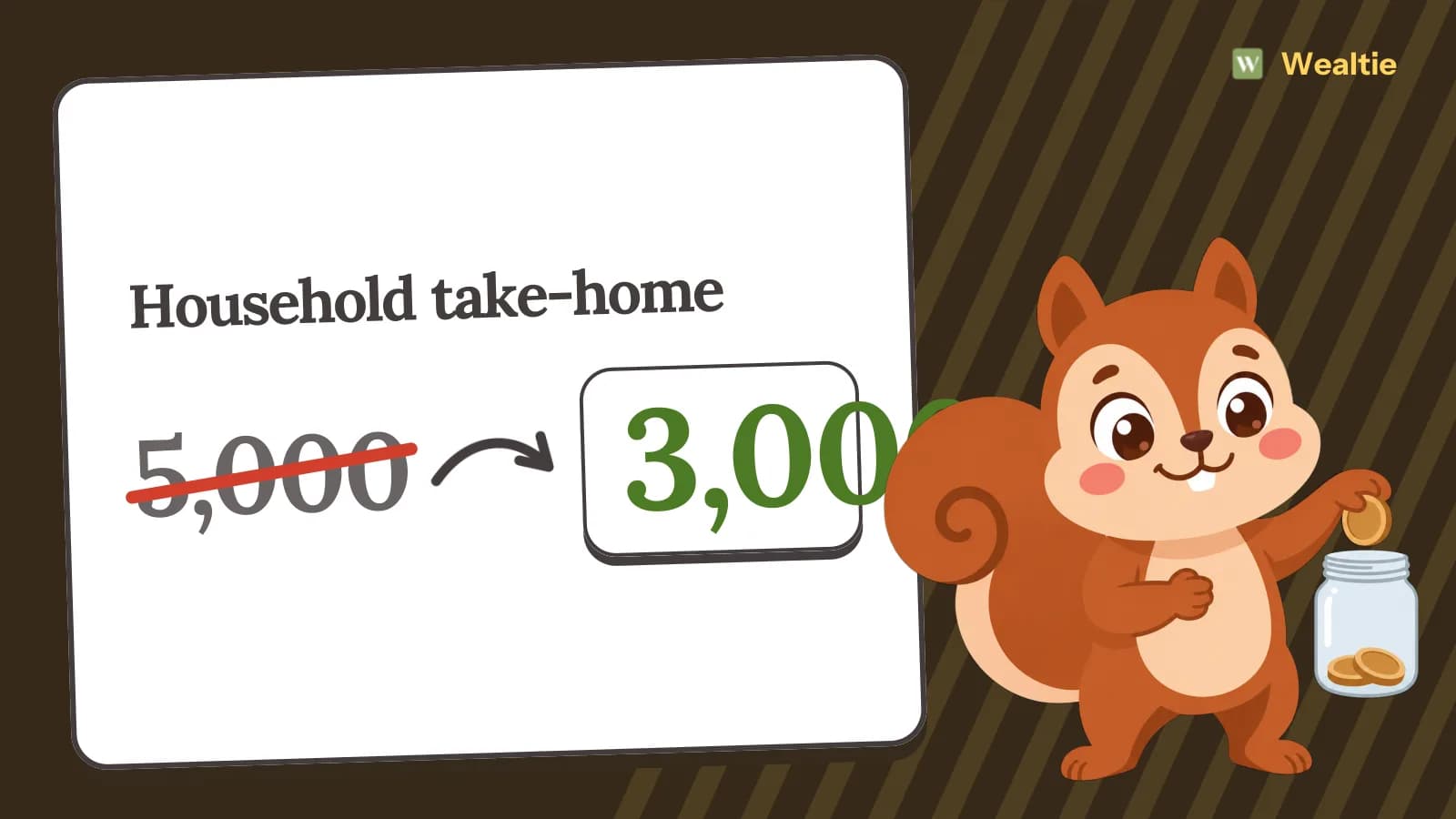
  • Illustration: Wally dropping a coin into a jar beside "Household take-home": 5,000 crossed out, then 3,000.
    MONEY AS A COUPLE

    How to budget as a stay-at-home parent on one income

    A stay-at-home parent budget starts by testing life on one income for a few months before the switch, then rebalancing costs. In a worked example, a household going from 5,000 to 3,000 a month finds 1,300 of savings from childcare, commuting and cuts.

    · 3 min read
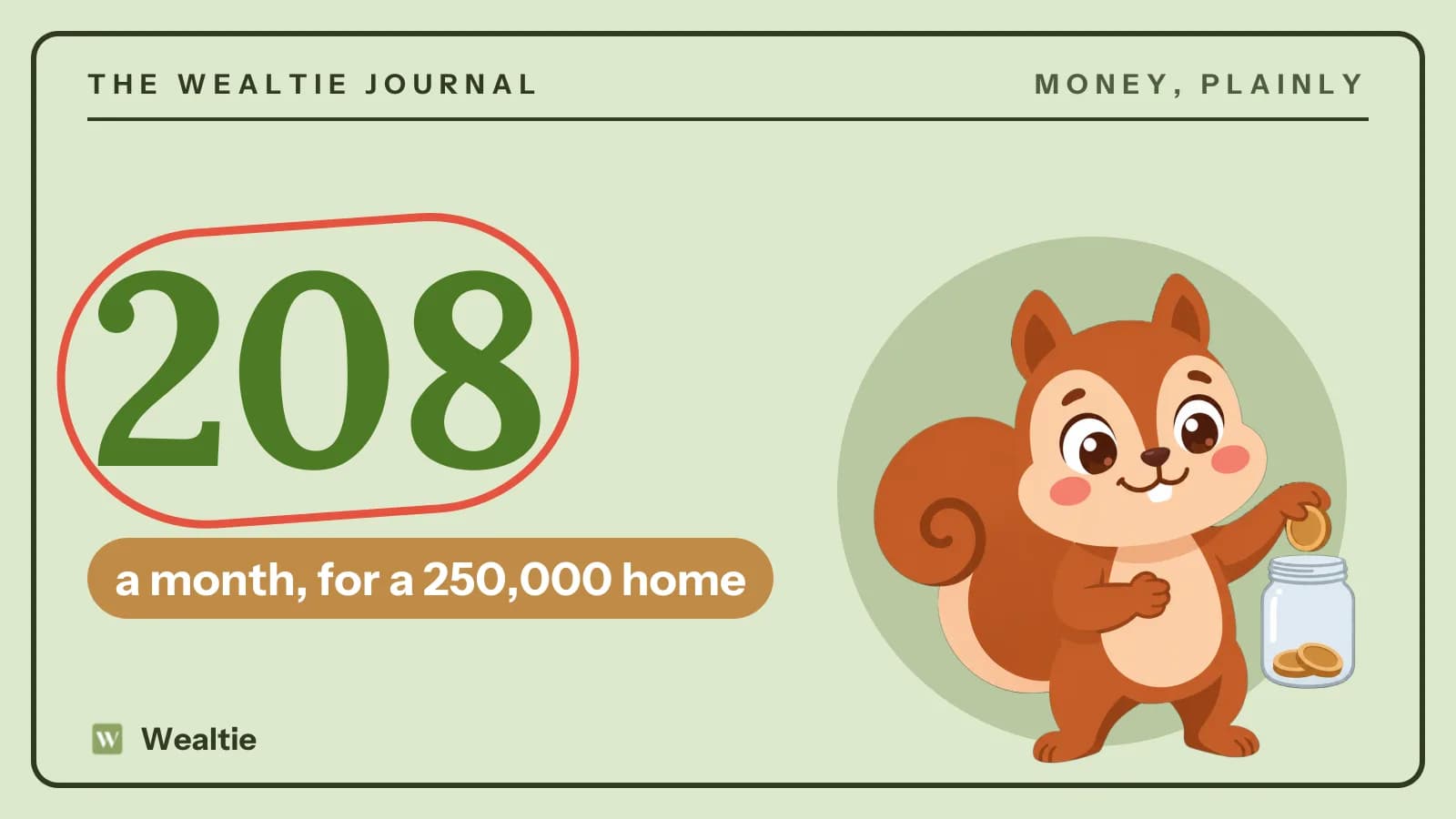
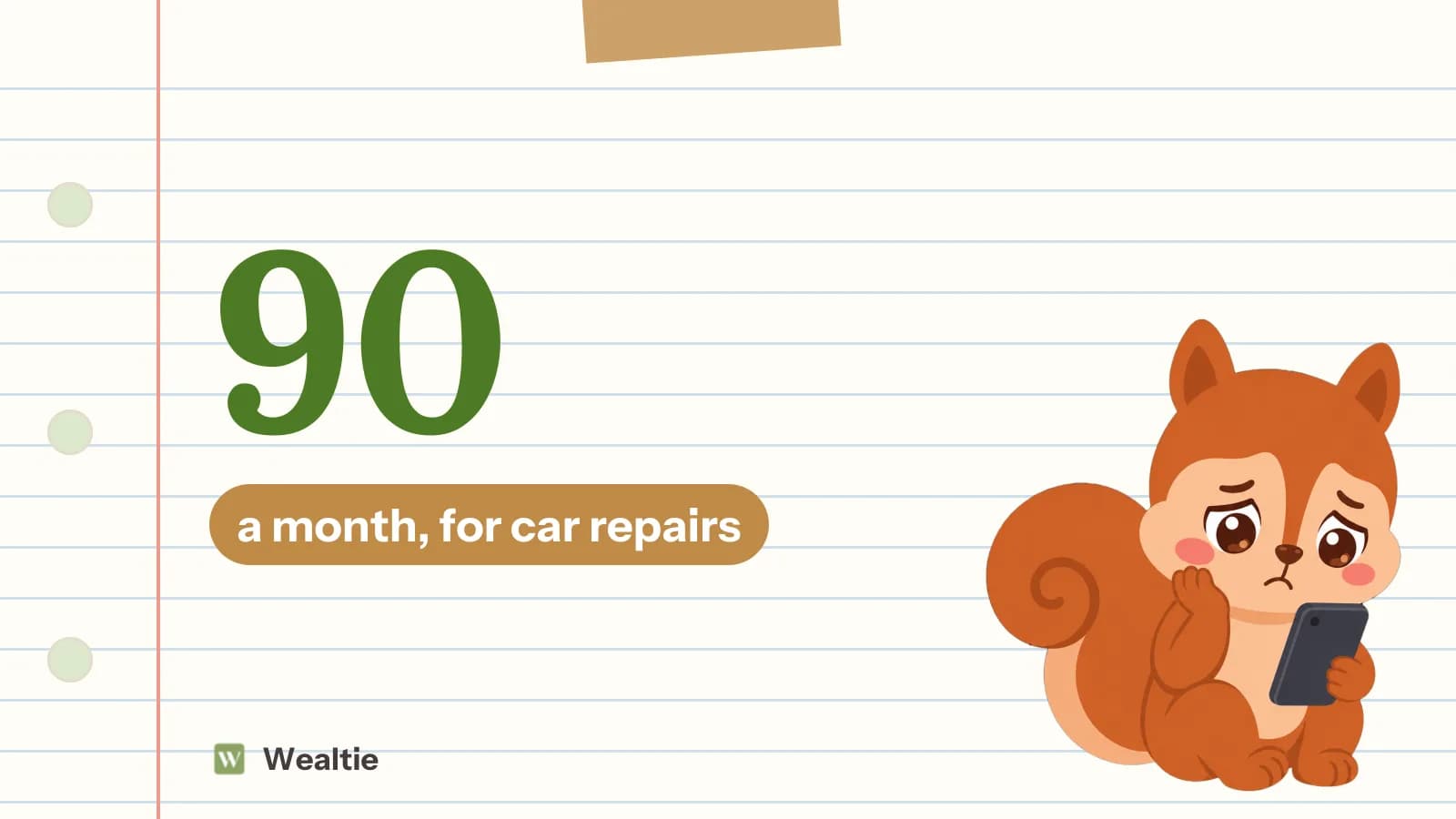
  • Illustration: Wally sitting and looking worried at a phone beside "90", a month, for car repairs.
    SAVING

    How to build a car repair fund so a breakdown isn't a crisis

    A car repair fund is money you set aside each month for servicing, tyres and the repairs you can't predict. In a worked example, about 90 a month covers a year of servicing, a set of tyres every few years and a repair cushion.

    · 3 min read

  • Illustration: Wally holding a phone with a green checkmark beside "Find the spike days".
    USING WEALTIE

    How to use analytics in Wealtie to see where your money goes

    To use analytics in Wealtie, open Analytics and look at your month by category, against the month before, with the days that pushed spending up marked. That view is on the Free plan, and Pro adds other periods and income insights.

    · 3 min read

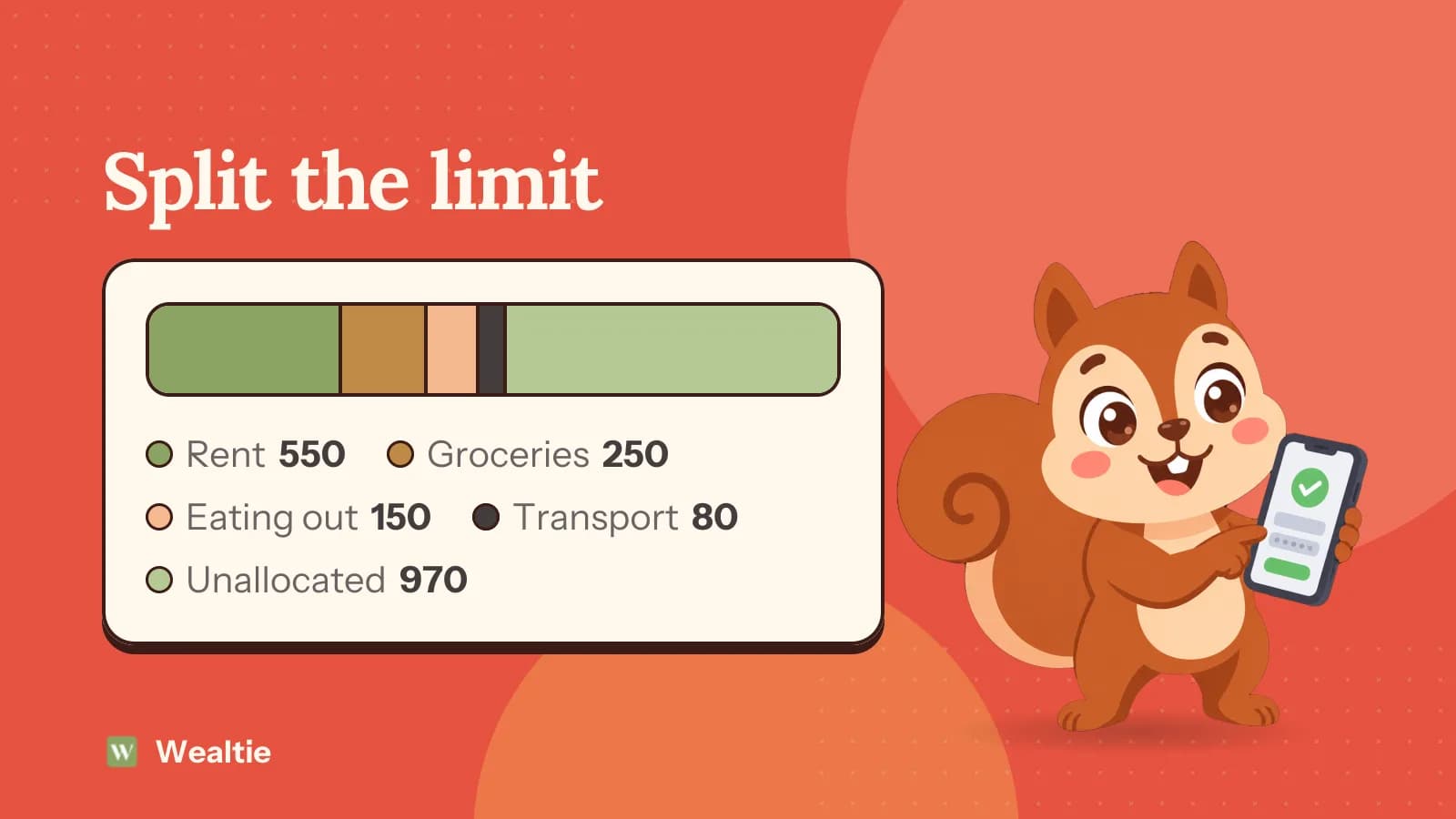
  • Illustration: Wally holding a phone with a green checkmark beside "Split the limit" and a bar split into Rent 550, Groceries 250, Eating out 150, Transport 80, Unallocated 970.
    USING WEALTIE

    How to set category budgets in Wealtie inside your monthly limit

    To set category budgets in Wealtie, give some categories their own share of your monthly limit, like 400 for groceries out of 2,000. Each share fills on its own, and anything you don't allocate still counts toward the total.

    · 3 min read

  • Illustration: Wally giving a thumbs up beside "Which plan fits" comparing Free (No end date) with Pro (From 5.99).
    USING WEALTIE

    Wealtie Free vs Pro: what each plan includes

    Wealtie Free vs Pro comes down to limits and extras. Free gives you two accounts, ten categories, one recurring transaction, a monthly budget and all 68 currencies, and Pro removes the limits and adds sharing, receipts and income analytics.

    · 3 min read

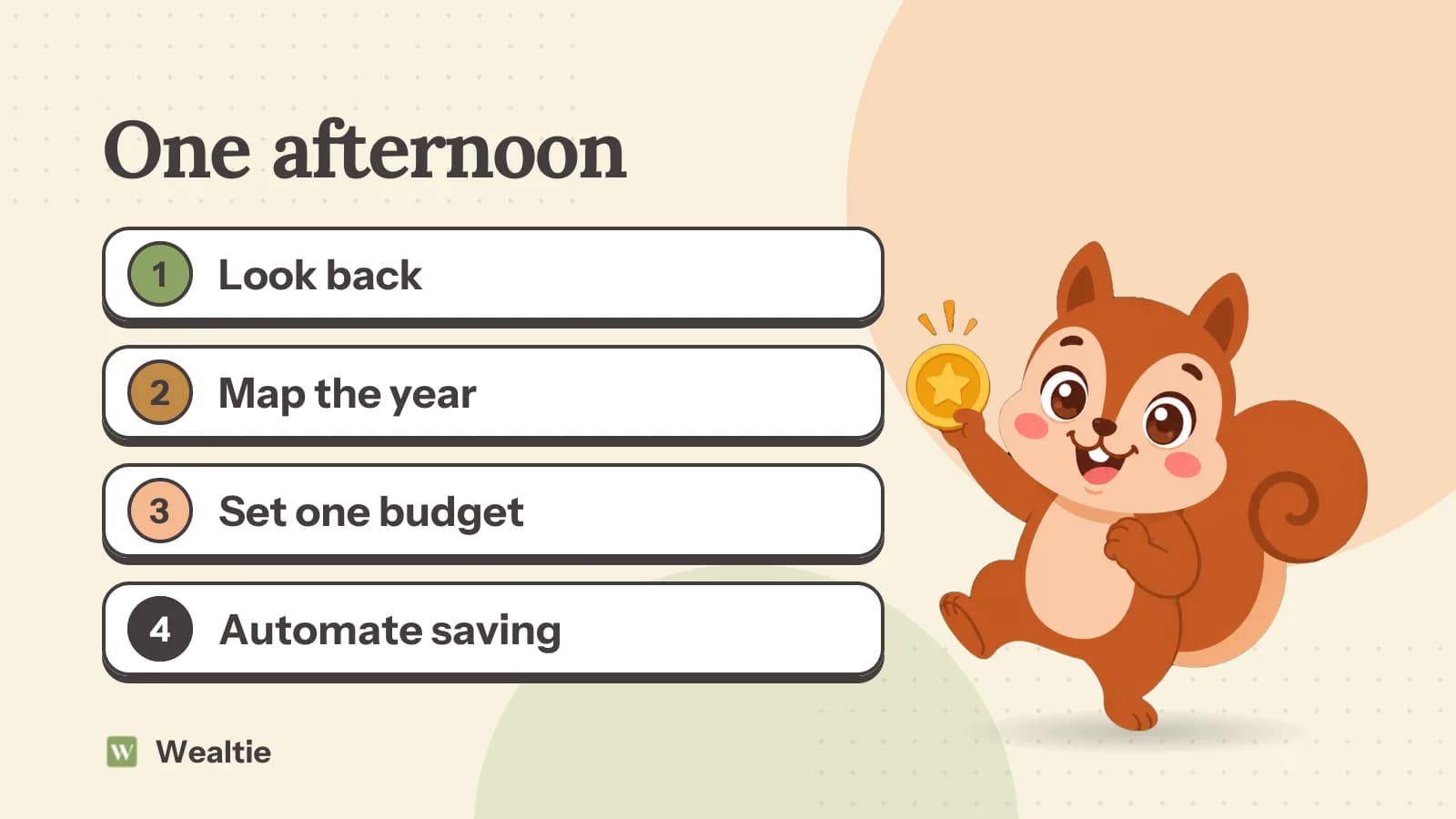
  • Illustration: Wally jumping with a gold coin held up beside "One afternoon" and the steps: Look back; Map the year; Set one budget; Automate saving.
    BUDGETING

    How to do a new year budget reset in one afternoon

    A new year budget reset takes one afternoon: add up what last year cost, list this year's big bills by month, set a monthly budget you can keep, and automate the savings. January is the easiest month to start, and often the most expensive.

    · 3 min read

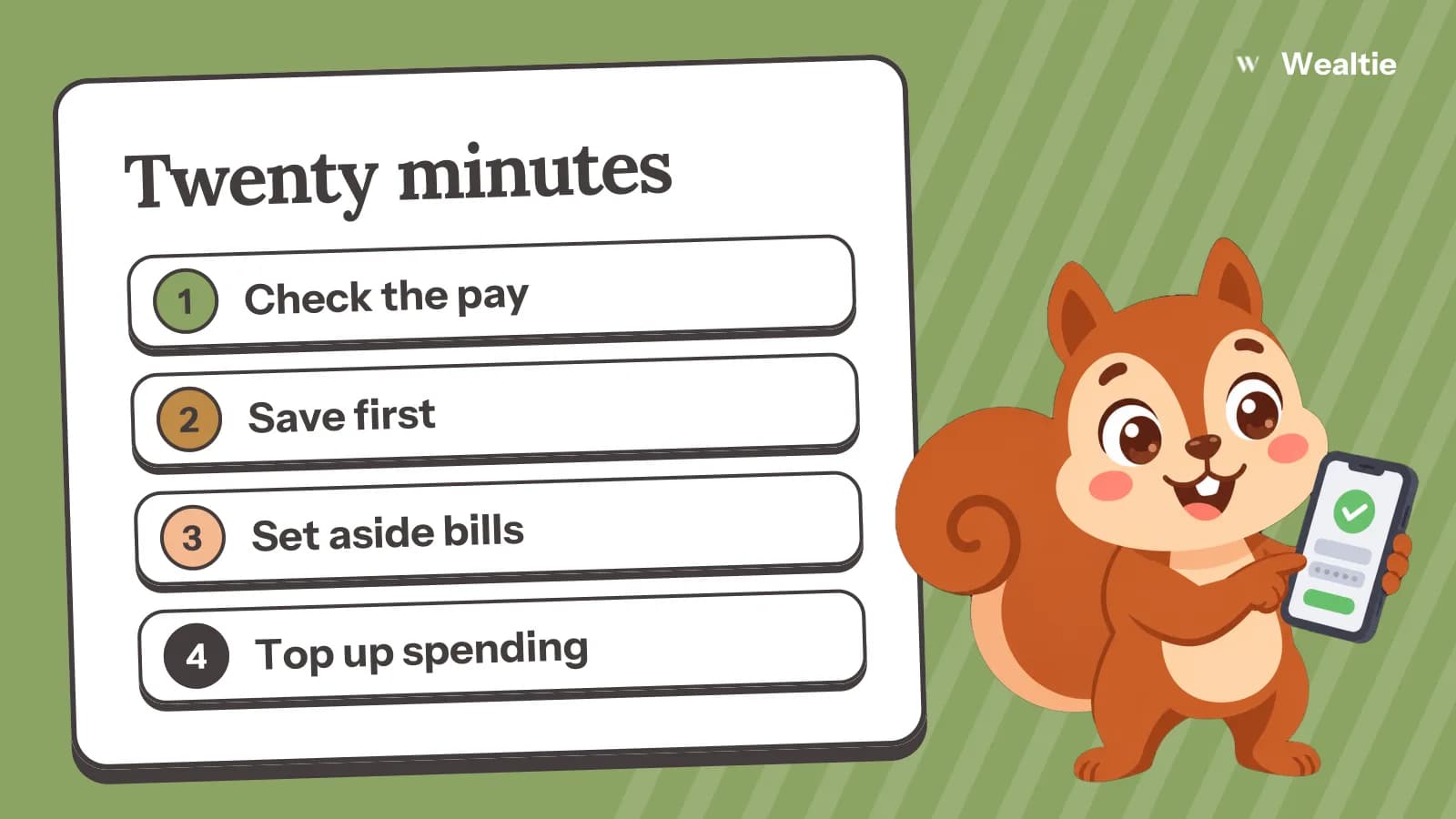
  • Illustration: Wally holding a phone with a green checkmark beside "Twenty minutes" and the steps: Check the pay; Save first; Set aside bills; Top up spending.
    BUDGETING

    A payday routine that takes 20 minutes and sets up the month

    A payday routine is 20 minutes on the day your pay lands: check the amount, move savings first, set aside bills, top up your spending money and look at the month ahead. On take-home of 2,800, that sorts every pound or dollar before you've spent any.

    · 3 min read

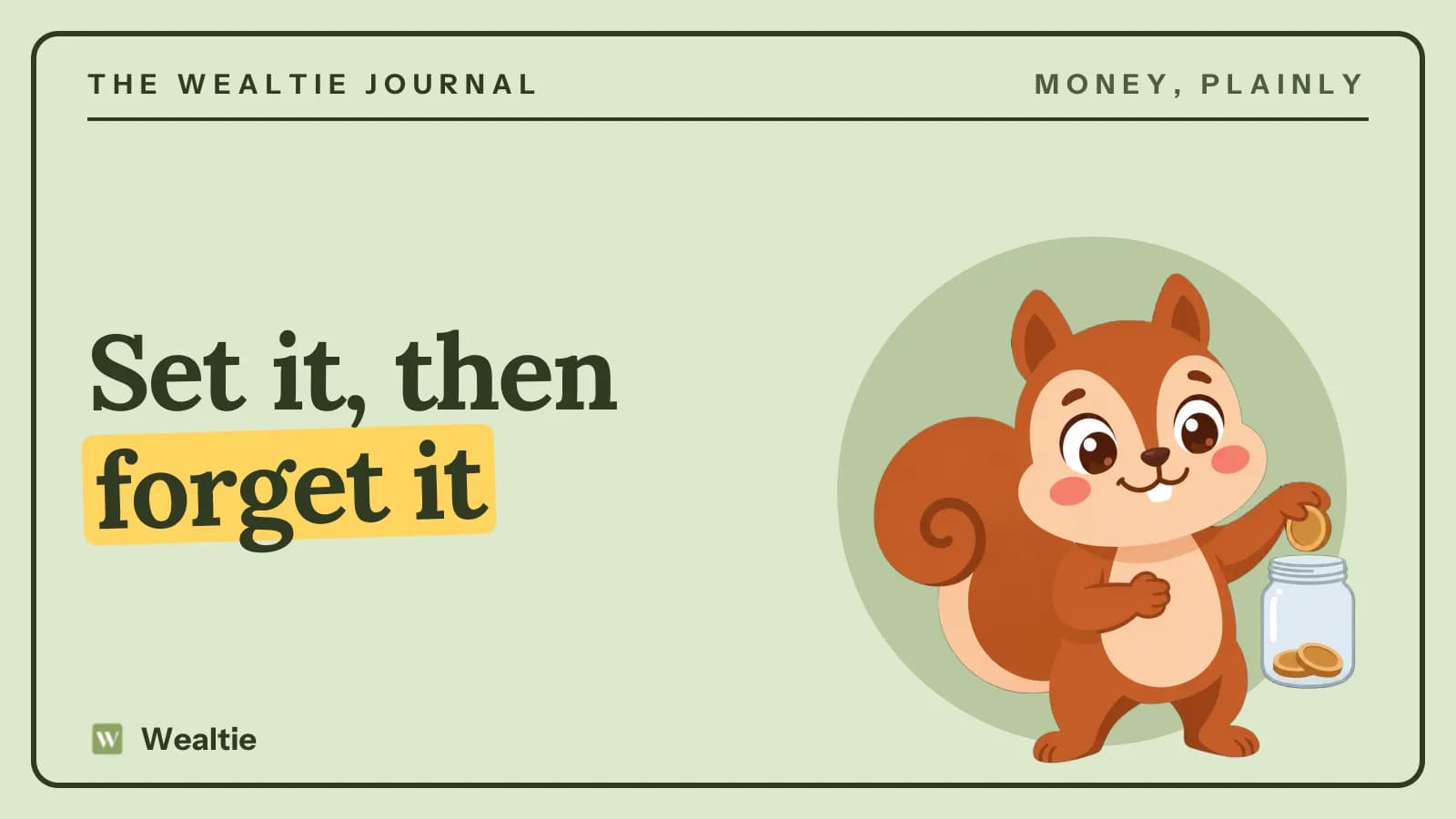
  • Illustration: Wally dropping a coin into a jar beside "Set it, then forget it".
    SAVING

    How to automate your savings so they happen without willpower

    To automate your savings, set up a transfer for the day after payday into a separate account, then raise it every time your pay goes up. Saving 150 a month this way is 1,800 a year, with no decision to make each month.

    · 3 min read

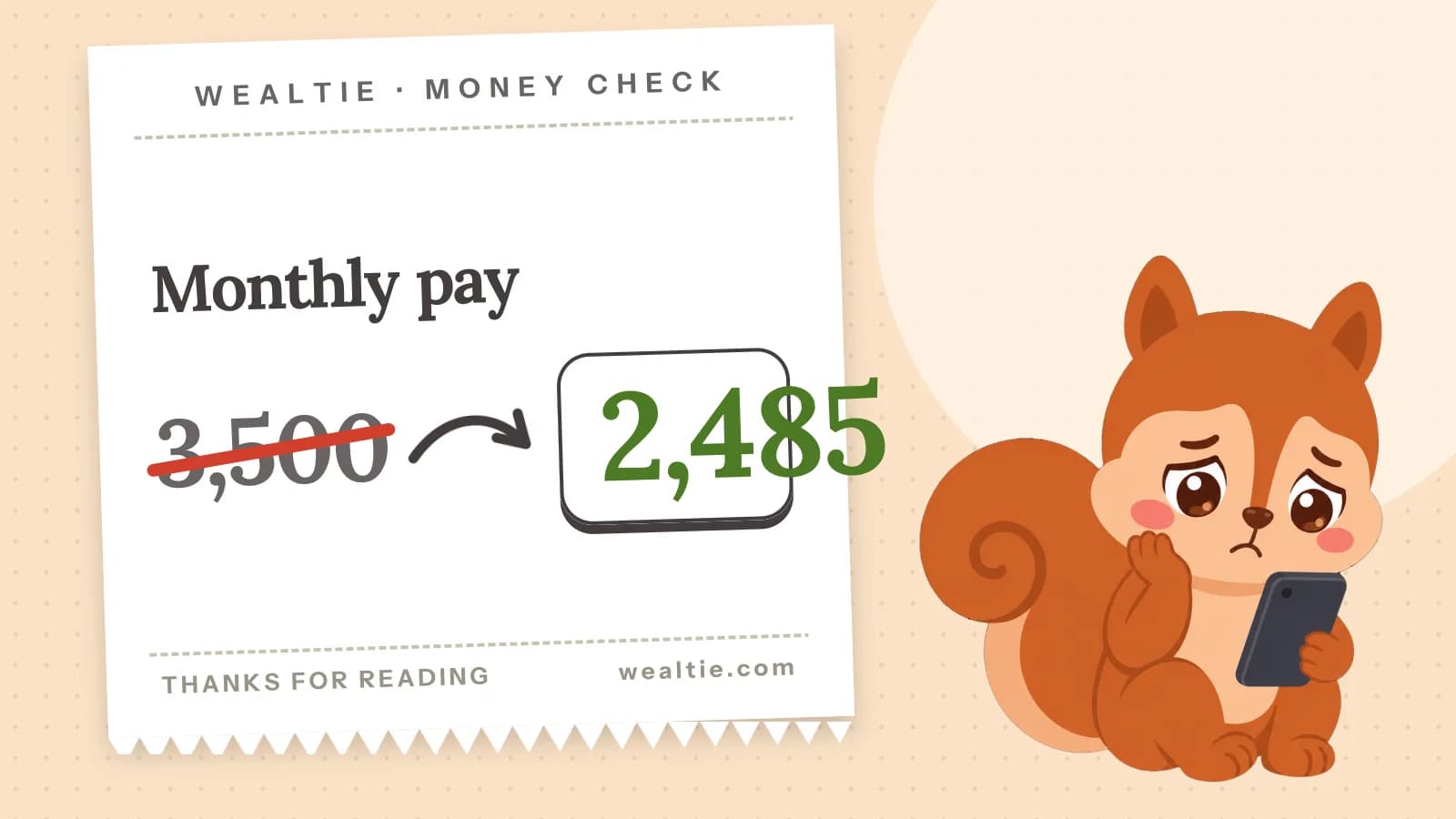
  • Illustration: Wally sitting and looking worried at a phone beside "Monthly pay": 3,500 crossed out, then 2,485.
    INCOME & FREELANCING

    Gross vs net income: which number to budget with

    Gross vs net income is the difference between what you earn before deductions and what reaches your account. In a worked payslip, 3,500 gross becomes 2,485 net, and that net figure is the one to budget with.

    · 3 min read

The weekly email

New posts, once a week

Once a week, the new posts on budgeting, saving and everyday money. Nothing else, and one click to leave.