
USING WEALTIE
How to set up a budget in Wealtie, step by step
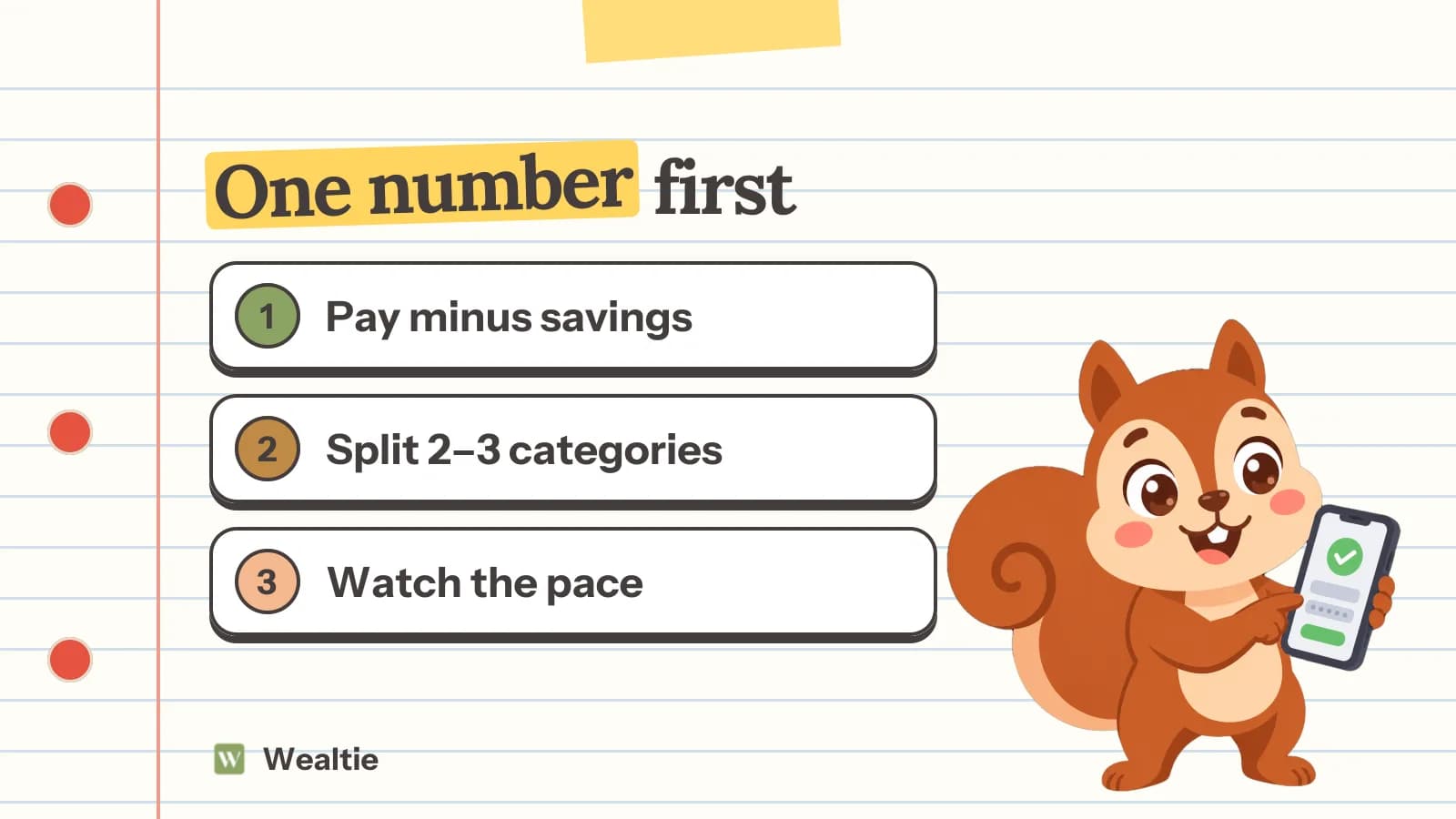
To set up a budget in Wealtie, open the Budget tab, tap Set Budget Goals, enter one total for the month and, if you like, give a few categories their own share of it. The harder part is the number, so most of this guide is about that, and about reading Budget Health once the month is running.
· 4 min read