Using Wealtie: How to transfer between accounts in Wealtie, and why it isn't spending
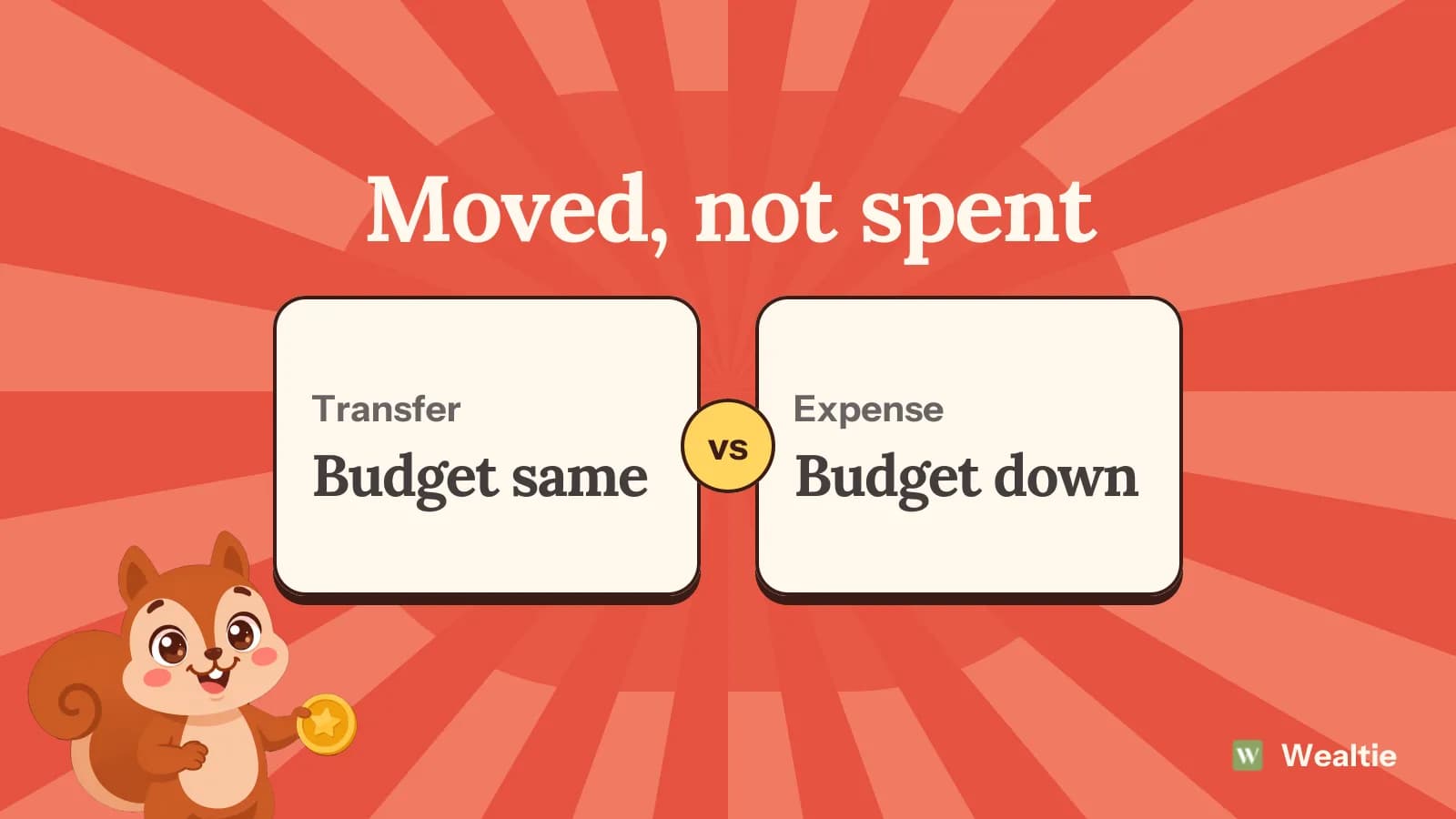
To transfer between accounts in Wealtie, record a transfer from one account to the other, and both balances move while your budget stays the same. Transfers are on the Free plan and work across currencies.
 By Wealtie Team · 3 min read
Key takeaways
- A transfer moves money between two of your own accounts, so your budget and income goal don't change.
- Your total across accounts stays the same after a transfer.
- Between accounts in different currencies, the amount is converted at the current rate and both figures show on the row.
- A transfer in Wealtie records a move and doesn't send real money, so you'll still need to make the move at your bank.
How do you transfer between accounts in Wealtie?
Record a transfer, choose the account it's leaving and the one it's going to, and enter the amount. One balance goes down and the other goes up. The row sits in your transaction list with both accounts on it, for example Main card → Savings, in grey, because it's neither income nor an expense.
Transfers are on the Free plan. With the two accounts Free includes, you can already move money between them.
Remember that this is a record. Wealtie doesn't move real money, so you'll still make the transfer in your banking app, and then log it here.
Why not log it as an expense?
Because you haven't spent anything. Moving money to savings is still your money. If you logged it as an expense, your budget would count it as spending, your monthly chart would overstate what went out, and your savings would look like a cost.
Here's the difference on a monthly budget of 2,000, in round numbers that work in any currency, after moving 300 to savings:
| Logged as | Budget used | Left in the budget | Total across accounts |
|---|---|---|---|
| Transfer | 0 | 2,000 | Unchanged |
| Expense | 300 | 1,700 | Down by 300 |
Logging it as an expense would tell you you'd spent 300 and were 300 poorer, and neither is true.
When should you use a transfer?
Any time money moves between two of your own accounts. The common ones:
- Moving part of your pay to savings
- Topping up a separate spending account
- Taking cash out at an ATM, into a wallet account
- Moving a tax share into its own account
- Refilling your emergency fund, or drawing on it
The ATM one catches a lot of people out. A withdrawal isn't spending until you hand the cash over, and tracking cash the same way as your card goes through how to handle it. For a fund, tracking an emergency fund in Wealtie has the steps.
What about sending money to someone else?
That's an expense, or income if it's coming to you. A transfer's only for accounts that are both yours. Paying a friend back for dinner, sending money to family or paying your landlord all leave your accounts, so log them as expenses in the right category.
If someone else is part of the same costs, a shared account might be a better way to handle it. The shared accounts page covers roles and splits, and the account owner needs Pro to invite someone.
How do transfers work across currencies?
The amount's converted at the current rate, and both figures appear on the row. Moving euros to a dollar account shows what left in euros and what arrived in dollars.
That's only an estimate of what your bank or exchange service gave you. If the real amount that landed is different, use Update Balance on the receiving account to match it. Tracking spending in two currencies explains why it's worth recording what left the account.
The multi-currency budget app page lists what's supported.
When should you use Update Balance instead?
When a balance has drifted from your real one and you don't know why, or when you're not recording a move. The Update Balance sheet has three modes:
| Mode | What it does |
|---|---|
| Set Balance | Sets a new total balance |
| Add Money | Adds to the current balance |
| Subtract Money | Removes from the current balance |
A correction isn't counted as spending. So if you find your account's 12 off at the end of the month, you can set the right number without inventing an expense.
Don't use it as a shortcut for a transfer, though. A correction only changes one account, so the other would be left wrong, and you'd lose the record of what moved.
How does this affect your net worth?
A transfer doesn't change it. Your total's the sum of your account balances, and money moving between two of them stays in the sum. Your net worth tracker only moves when money comes in, goes out, or the rate changes on a balance in another currency.
This is the reason to give money for different goals its own accounts. You can see 300 go to savings each month without it dragging down the budget. Pay yourself first explains why moving it on payday works so well.
What do you do if you logged it wrong?
Delete or edit the row and record it again as a transfer. It's worth fixing, especially if it's in the current month, since a wrongly logged transfer will show up as spending in your budget tracker and push up your numbers for the rest of the period.
Questions people ask
No. A transfer between two of your accounts is recorded as a transfer, so your budget and income goal don't see it.
Yes. The amount is converted at the current rate, and both figures appear on the row.
No. It records the move, so you'll still need to make the transfer at your bank.
Yes, if you've got a wallet added as an account. The money only counts as spending when you log what you bought with it.
This article is general information, not financial, tax or legal advice. Your situation is your own; check the numbers that apply to you before you act on them.