Using Wealtie: How to track an emergency fund in Wealtie, step by step
To track an emergency fund in Wealtie, add it as its own account, log each payday deposit as a transfer from your everyday account, and set your monthly budget to take-home pay minus that transfer. Transfers between your own accounts aren't spending, so the fund grows in net worth while the budget shows what you spent.
 By Wealtie Team · 3 min read
Key takeaways
- Add the emergency fund as its own account in Wealtie, with its current balance as the starting point.
- Log each deposit as a transfer from your everyday account; transfers between your own accounts aren't counted as spending.
- Set your monthly budget to take-home pay minus the savings transfer, so saving comes first and spending fits around it.
- When you use the fund, log a transfer back to your everyday account and the expense from there, so the emergency shows in your spending.
- The Free plan includes two accounts and a net worth total, which covers an everyday account and an emergency fund.
How do you track an emergency fund in Wealtie?
Add the fund as its own account, log every deposit as a transfer from your everyday account, and set your monthly budget so the transfer comes first. That's the whole setup.
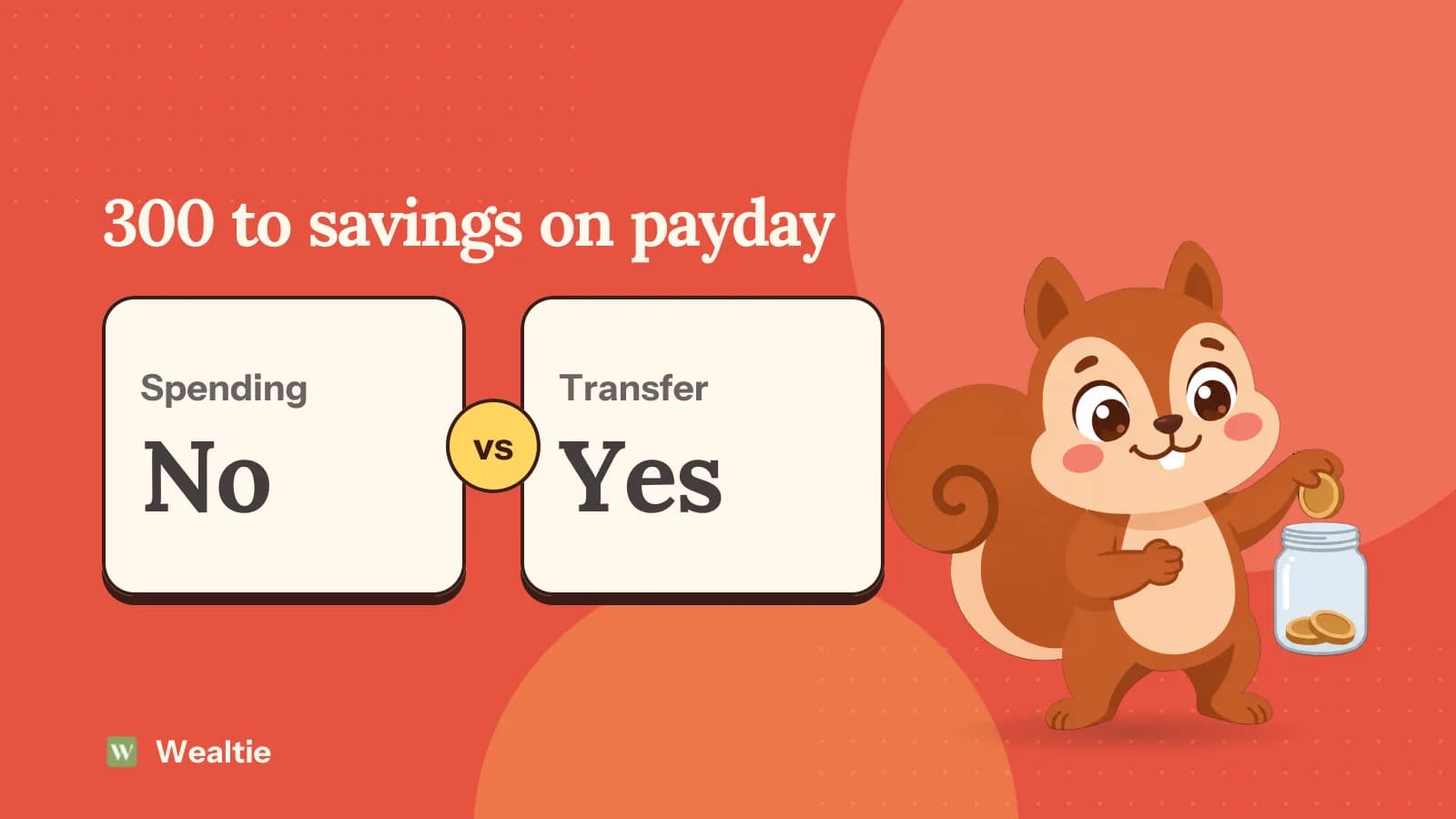
The key idea is that saving isn't spending. When you move 300 from your everyday account to your emergency fund, you haven't spent 300; you've moved it. Wealtie treats transfers between your own accounts that way, so the fund grows in your net worth without making your budget look 300 worse than it is.
Step 1: add the emergency fund as an account
Add a new account for the emergency fund and enter its current balance, even if that's zero.
If the money sits in a savings account at your bank, this account mirrors it. Wealtie never connects to your bank, so you enter the balance yourself, once, and from then on every deposit and withdrawal you log keeps it in step. Check it against your bank once a month; if interest has been paid, log it as income to the fund so the two match. Where to keep the real money is a separate decision; where to keep your emergency fund compares the options.
The Free plan includes two accounts, which covers your everyday account and the fund. Pro has unlimited accounts if you'd like separate pots for other goals too.
Step 2: log payday deposits as transfers
Each time you move money into the fund, log it as a transfer from your everyday account to the emergency fund account, not as an expense.
Both balances update: the everyday account goes down, the fund goes up, and your net worth total stays the same. Your spending for the month doesn't change, because nothing was spent.
Do it on payday, at the same time as the real transfer at your bank. Saving first, before the month's spending starts, is what makes the fund grow.
Step 3: set your budget around the transfer
Set your monthly budget to take-home pay minus the savings transfer.
Here's a worked example in round numbers, the same in any currency. Take-home pay is 3,000. The monthly transfer to the emergency fund is 300. The monthly budget is 2,700. Budget Health then warns you mid-month if your spending pace will take you past 2,700, which is the point where spending would start eating into the 300.
At 300 a month, a first target of one month's pay, 3,000, takes ten months. How much should be in an emergency fund explains why that first month matters most.
Step 4: record it when you use the fund
Log a transfer from the emergency fund back to your everyday account, then log the expense itself from the everyday account.
Say the car needs a 600 repair. Log a 600 transfer from the fund to your everyday account, then a 600 expense for the repair in your transport category. The fund's balance drops by 600, the repair shows in your spending where it belongs, and the month's picture is accurate: an unusual cost, paid from savings.
That's better than logging the repair straight from the fund, because the expense then shows up in your categories and your monthly spending, where you'll see it when you review the month.
How do you keep track of progress?
Look at the fund's balance once a month against your target, and write the target down somewhere you'll see it.
A few habits help:
- Same day each month: check the fund on the day after payday, when the new transfer has just gone in.
- Raise the transfer with pay rises: add part of every rise before spending catches up.
- Refill first after using it: restart the transfer straight away, and add a little extra for a few months.
- Use a widget: Wealtie's home screen widgets are free, so a balance or budget is a glance away rather than a tap.
What about savings in another currency?
Add the account in its own currency. Each Wealtie account keeps its own currency, and totals are converted into your display currency at each day's rate, so a fund held in euros and an everyday account in pounds still add up to one net worth figure.
Questions people ask
Add it as its own account with its current balance, then log every payday deposit as a transfer from your everyday account. The fund's balance and your net worth update, and your budget isn't affected.
No. A transfer between two of your own accounts moves money without spending it, so it doesn't count against your budget. Your net worth stays the same; only the split between accounts changes.
Log a transfer from the emergency fund to your everyday account, then log the expense, like the car repair, from the everyday account. The repair shows in your spending, and the fund's balance drops.
Yes. The Free plan includes two accounts with a net worth total, enough for an everyday account and an emergency fund. Pro adds unlimited accounts if you want separate pots for other goals.
Start with one month of take-home pay, then build to three to six months of essential costs. Our guide to how much should be in an emergency fund explains why one month comes first.
This article is general information, not financial, tax or legal advice. Your situation is your own; check the numbers that apply to you before you act on them.