Using Wealtie: How to set up recurring bills in Wealtie and stop logging them by hand
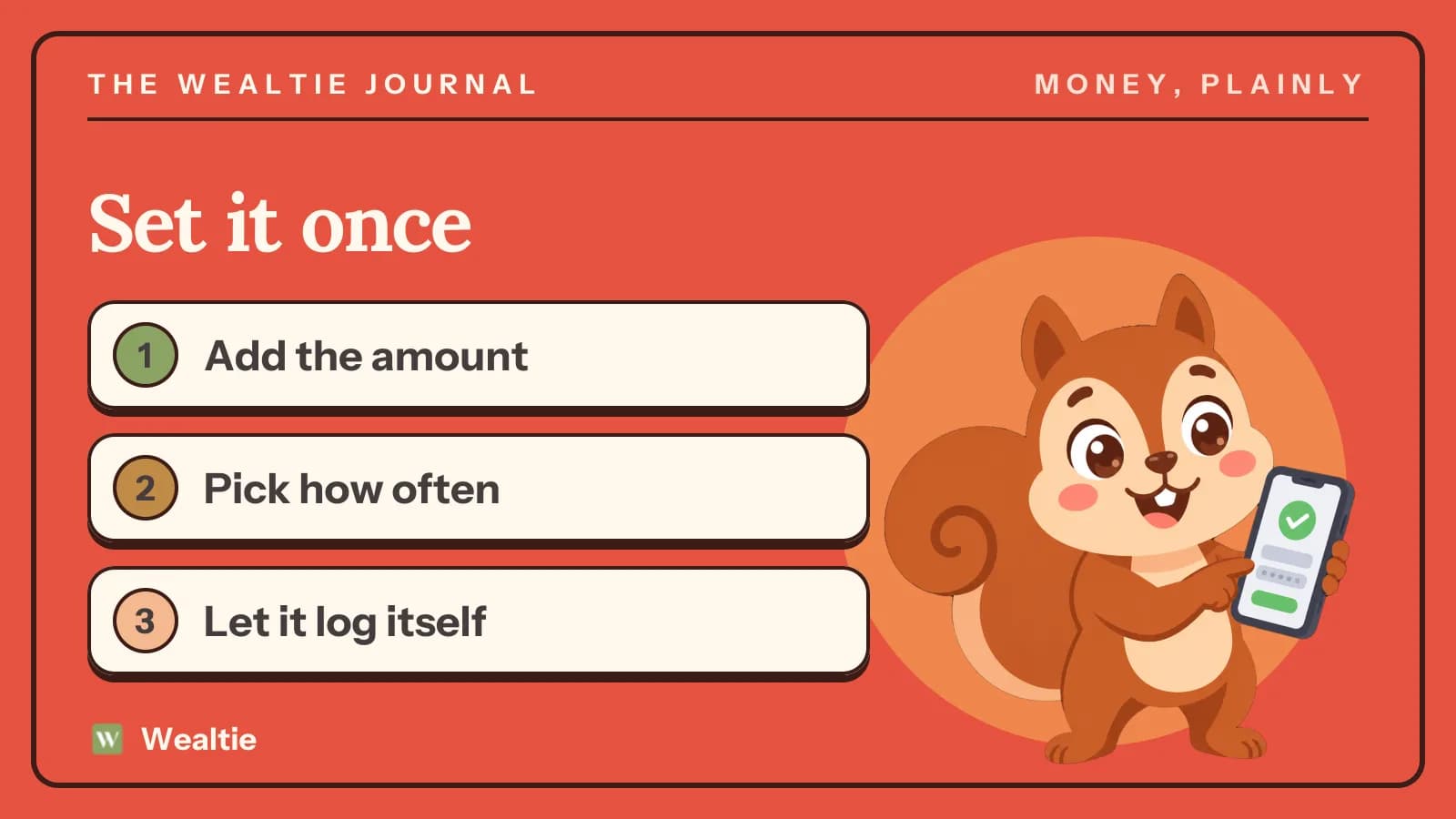
To set up recurring bills in Wealtie, add the amount, how often it repeats and how many times, then let it log itself on the due date. Free includes one recurring transaction, and Pro has no limit.
 By Wealtie Team · 3 min read
Key takeaways
- A recurring transaction logs itself on the due date, on the account you chose, and counts against that month's budget.
- You can repeat it daily, weekly, bi-weekly, monthly, quarterly or yearly.
- A rule can stop after a set number of payments, which suits loans and instalment plans.
- Free includes one recurring transaction, and Pro has no limit.
- A recurring transaction records the bill in Wealtie and doesn't pay it for you.
How do you set up recurring bills in Wealtie?
Open recurring transactions, add a new one, and fill in what you'd write on a sticky note: what it is, how much, which account it comes from, which category it belongs to and how often it repeats.
The frequencies are Daily, Weekly, Bi-Weekly, Monthly, Quarterly and Yearly. Pick the next due date, save it, and you're done. From then on, it logs itself on the due date, on the account you chose. There's nothing to confirm.
Each payment appears in your transaction list like anything else you'd typed in. The account balance moves, the budget moves and the row carries your category.
Which bill should you set up first?
The biggest one that doesn't change. On the Free plan you get one recurring transaction, so make it count. If you pick rent, the largest number of the month is taken care of.
Pro has no limit. Once you've got that, add them in order of size:
- Rent or mortgage
- Insurance
- Loan or finance payments
- Phone and internet
- Subscriptions
Bills that move around a lot, like energy, are better logged by hand from each statement, or set at a typical amount and corrected after. Recurring works best with amounts you can predict.
Not sure what you're paying for? How to organize bills starts with going through your statements to make one list.
Can a recurring transaction end by itself?
Yes. Set a number of occurrences and the rule stops after that many payments. It's useful for anything with an end date: a phone on a 24-month plan, a loan, a course paid in ten instalments.
The card shows how far along it is, for example 3/12. When it reaches its count, it's marked as finished. If you switch a finished rule on again, the count starts over from 0/12 and doesn't end straight away.
How do you pause or change one?
Pause it when a bill stops for a while, like a gym you've frozen. A paused rule goes grey, keeps its amount so you can still see what it would cost, and logs nothing while it's off.
If the amount changes, edit the rule. Every payment after that uses the new amount, and payments it's already logged stay as they were. That matters when your rent goes up: last year's rows remain correct.
Rules have three states on their card. Running is green with the next date. Paused is grey. Finished has reached its count.
What happens on the 31st?
A monthly payment set for the 31st lands on the last day of any month that doesn't have one, such as 28 February or 30 April. It goes back to the 31st when the month allows it.
A payment can't be logged twice for the same date. Each date's claimed before anything's written, and a date that's been paid is stepped over, even if the rule's edited back onto it.
Does a recurring transaction pay the bill?
No. It records the bill in Wealtie, and you'll still pay it through your bank, your direct debit or however you normally do. If you've got a direct debit running, the two will line up. If you pay by hand, keep your own reminder for it.
If a payment fails or gets skipped, the rule will still have logged it, so correct the row or use Update Balance on the account. The app can't see your bank's side of things.
How do recurring bills affect your budget?
Each one counts against the budget for the month it lands in, like anything you'd logged yourself. So your budget tracker already includes rent on the day it's logged, and what's left is what's left.
A bill that comes once a year will land in one month. You can raise that month's limit, or use the yearly budget period on Pro. What is a sinking fund has more on planning for these.
Recurring income works the same way. If your salary's the same each month, set it up and it'll count toward your monthly income goal when it's logged.
Where can you see what's coming next?
The recurring list shows what's due next, so you can see the next few bills before they land. Two of the home-screen widgets also read from your recurring transactions: Bills Due This Week and Upcoming Bill. Before you have a rule set up, they'll stay empty. The budget widget page lists all eleven.
The full feature's on the bill tracker page, and subscriptions you want to review are covered in how to cut subscription costs.
Questions people ask
Add a new recurring transaction with the amount, account, category and how often it repeats. It then logs itself on the due date and counts against that month's budget.
One. Pro has no limit, so if you're on Free, set up your largest fixed bill first.
No. A recurring transaction records the bill in Wealtie, and you still pay it through your bank or direct debit as usual.
Yes. Set a number of occurrences and the rule finishes after that many payments, which suits loans and instalment plans.
This article is general information, not financial, tax or legal advice. Your situation is your own; check the numbers that apply to you before you act on them.