Using Wealtie: How to track a trip in Wealtie, from budget to final total
To track a trip in Wealtie, make a Travel category, add a cash wallet in the local currency if you'll use cash, and log each purchase in the currency you paid. Totals are converted into your display currency at each day's rate.
 By Wealtie Team · 3 min read
Key takeaways
- A Travel category, or one per trip, keeps all of a trip's costs together.
- You can log a purchase in the currency it was priced in, and Wealtie moves the account by the converted amount at the rate for that day.
- A cash wallet added as an account in the local currency keeps cash spending visible.
- Totals are converted into your display currency, so you can see the whole trip in the money you think in.
How do you track a trip in Wealtie?
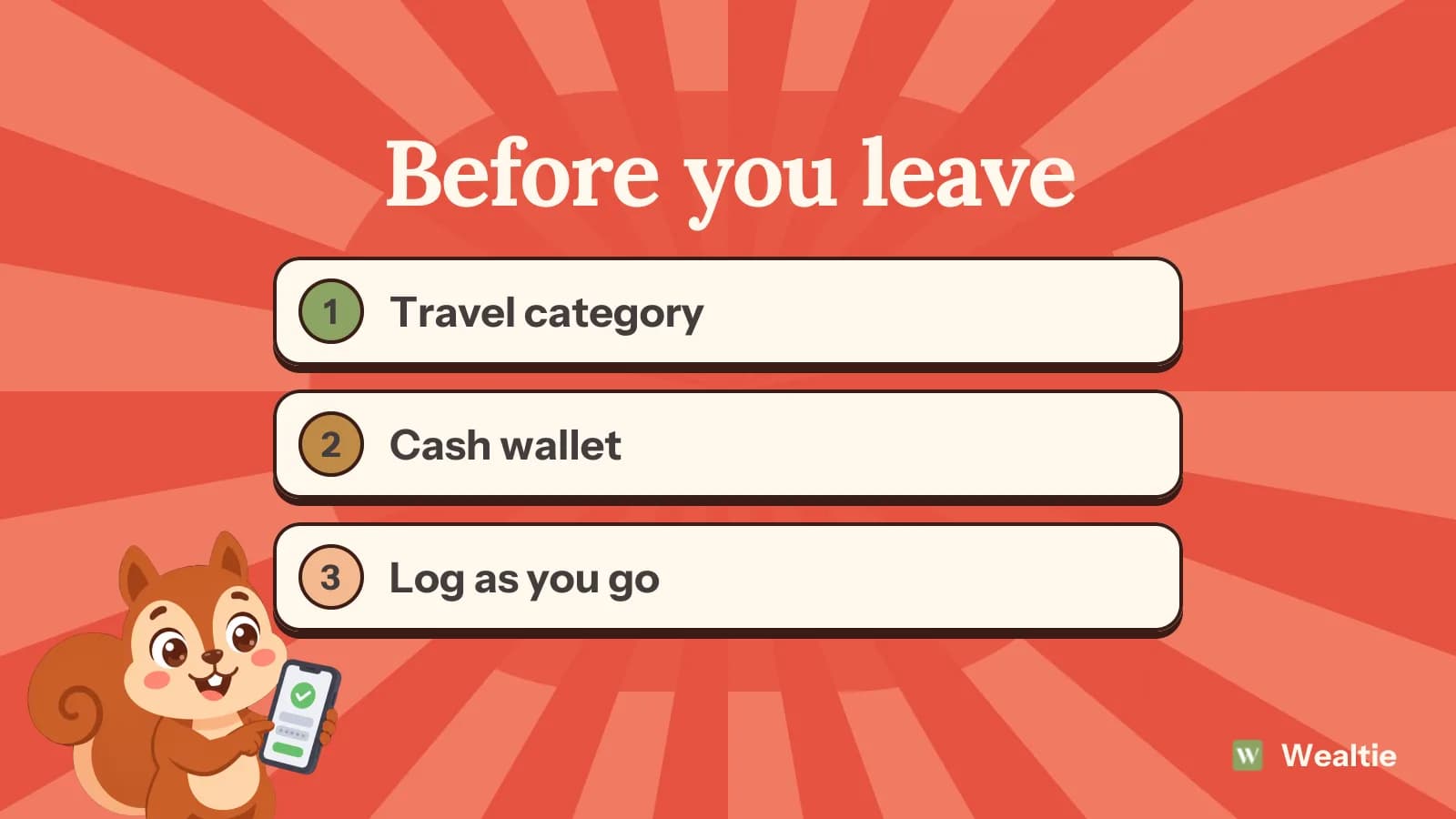
Set things up before you go, then log as you spend. The setup takes a few minutes: a category for the trip, an account for cash if you'll carry any, and a daily figure to aim for. Then each purchase goes in with its category, in the currency you paid.
What should you set up before you leave?
A Travel category. If you travel a lot and you're on Pro, you can nest categories, with Travel at the top and one subcategory per trip or per type of cost, like Flights, Stays and Food. On Free, one Travel category works well, and it counts as one of your ten.
If you use a separate card for trips, add it as its own account so its spending is easy to see. Then decide a daily figure for spending once you're there. Say 80 a day for a 10-day trip, which is 800 on top of flights and accommodation. How to budget for a trip abroad has a method for setting it.
How do you log spending in another currency?
Pick the currency the price was in. If you pay for dinner in yen from a euro account, Wealtie keeps the yen amount as you typed it and moves the account by the converted figure, at the rate for the day of the purchase. That's the quickest way to log on the spot. Log while you're there, ideally at the time, since a week of foreign receipts is hard to reconstruct afterwards.
If you'd rather your balance matched your bank to the cent, log the amount your banking app shows, in the account's own currency. That figure includes your card's conversion cost. You can mix both approaches. Using multiple currencies in Wealtie goes through the details.
How do you handle cash?
Add your wallet as an account in the local currency. When you take money out at an ATM, record it as a transfer from your card account to the wallet. Transfers aren't counted as spending, so the budget only moves when you spend the cash. Then log what you buy from the wallet.
Count the cash every couple of days and compare it with the wallet's balance. If it's lower, the gap is spending you forgot to log. Before you fly home, spend or note leftover cash, and keep the wallet account for the next trip. How to track cash spending has the full system, and how much cash to travel with helps you decide how much to carry.
How do you see the trip's total?
Your totals are converted into your display currency at each day's rate, so the whole trip shows up in the money you think in. You can filter the transaction list by currency to see everything spent in yen, or by category to see everything in Travel.
Each transaction is converted at the rate for its own date and isn't redone later, so the trip's total stays the same after you get home, even when the rate moves. Compare the final total with what you planned, since that's the best guide for budgeting the next trip.
Should you switch your display currency while you're away?
You can if it helps. Switching to the local currency shows totals in the money you're spending, and nothing you've logged is recalculated. Switch back when you get home. Some people prefer to keep their home currency throughout, so they can see what the trip's costing them in familiar terms.
How do fees show up?
If your bank charges a separate foreign transaction fee or an ATM fee, log it as its own expense in the Travel category. Then you can see what fees cost on the trip, and the foreign transaction fees guide explains how to cut them next time.
How do you stay on budget during the trip?
Check the Travel total at the end of each day against your daily figure. If you're well over by day three, you've got time to adjust. If you're sharing costs with someone, a shared account lets you both log and see the trip, with the owner on Pro and the other person on any plan. The multi-currency budget app page lists what's included, all 68 currencies on the Free plan, and your expense categories show the final total when you're back.
Questions people ask
Make a Travel category, add a cash wallet in the local currency if you'll use cash, and log each purchase in the currency you paid.
Yes. Wealtie keeps the amount as you typed it and moves the account by the converted figure, at the rate for the day of the purchase.
Add your wallet as an account in the local currency, record ATM withdrawals as transfers into it, and log what you spend from it.
No. Each transaction is converted at the rate for its own date and isn't recalculated later.
This article is general information, not financial, tax or legal advice. Your situation is your own; check the numbers that apply to you before you act on them.