Using Wealtie: How to start tracking mid-month in Wealtie without waiting for the 1st
To start tracking mid-month in Wealtie, add each account with today's balance, set a monthly budget, and log from today without going back over earlier spending. Your first full month starts on the 1st, but the habit starts now.
 By Wealtie Team · 3 min read
Key takeaways
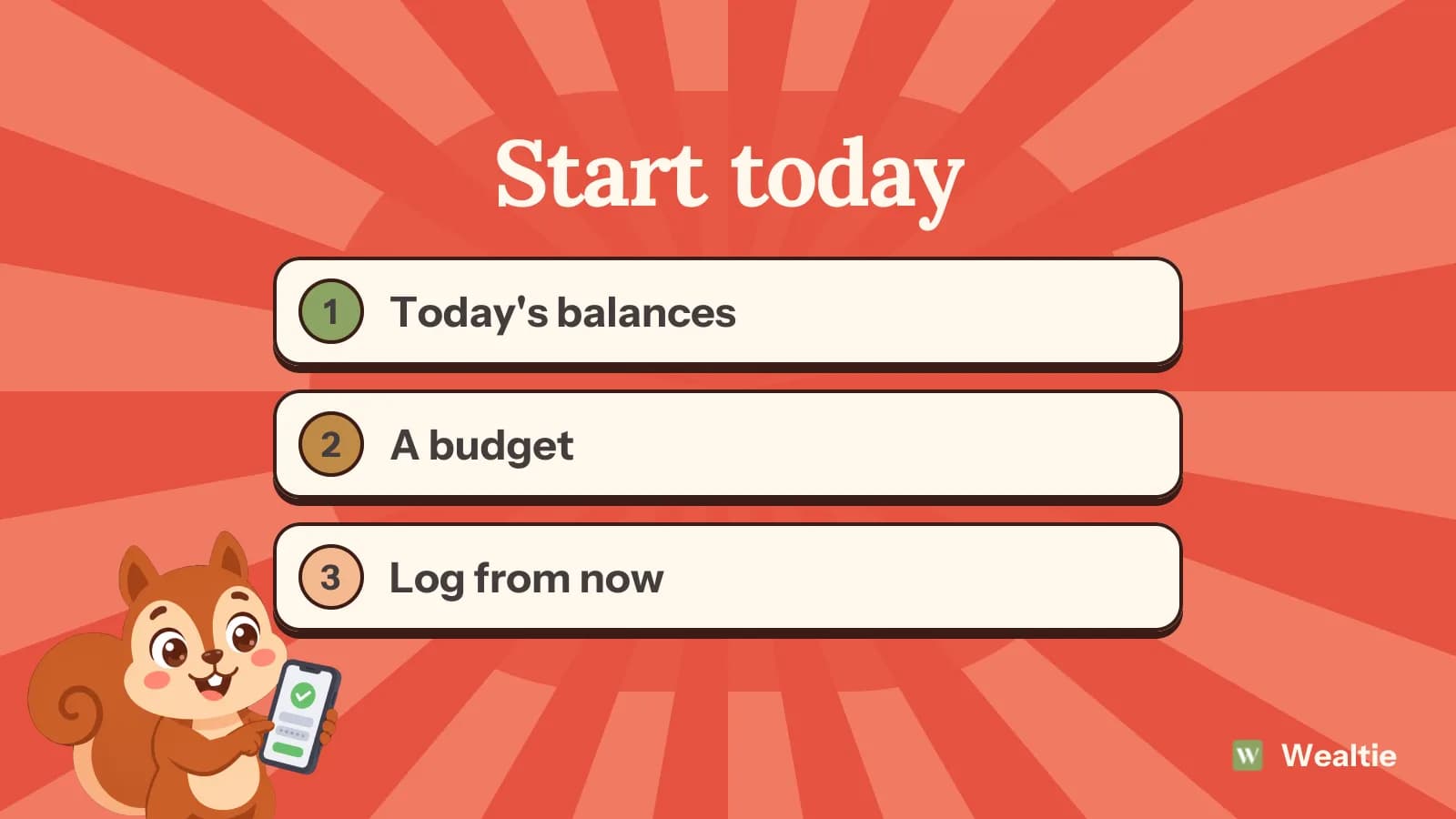
- Add each account with today's balance; there's no need to enter earlier transactions.
- Set a monthly budget now, and treat the rest of this month as a practice run.
- Use Update Balance if a balance drifts, rather than reconstructing missed spending.
- Your first full month starts on the 1st, but starting the logging habit today is what matters.
How do you start tracking mid-month in Wealtie?
Add your accounts with today's balances, set a budget, and log from today. You don't need to go back and enter the first half of the month. Waiting for the 1st is a common reason people never start, and there's no reason to.
What should you set up first?
Your accounts. Add each one, like your current account, a savings account and a cash wallet, with the balance it has today. Wealtie adds them into one total, converted into your display currency. There's no history to import and nothing to connect. Pick your display currency at the start, usually the one most of your income is paid in.
The Free plan includes two accounts. If you've got more, start with the one you spend from most and the one you save into. Transfers between accounts explains how moving money between them works.
Should you enter the spending you've already done this month?
No, unless you want to. Reconstructing two weeks of spending is tedious and usually inaccurate. Starting from today's balances means your numbers are right from now on.
If a large bill went out this month before you started, like rent, you might log it anyway so this month's budget reflects it. If you'd like a rough sense of the month so far, look at your bank statement and note the total spent. You can use it to set a budget for the rest of the month, without logging every line.
How do you set a budget mid-month?
Set a monthly limit the way you'd set one on the 1st, based on your take-home pay and fixed costs. For this first month, treat it as practice. If you know you've already spent 900 of a 2,000 limit by the 17th, the rest of the month has about 1,100 for 14 days, or about 79 a day.
Don't worry if the first partial month looks off. It's the first full month that tells you whether the limit's right. Give a few categories their own share of the limit if you like, such as groceries and eating out. Setting category budgets in Wealtie walks through it, and setting up your first budget covers the basics.
Which categories should you start with?
A short list. Rent, groceries, utilities, transport, eating out, subscriptions, shopping, health, fun and other covers most people, and that's ten, which fits the Free plan. You can rename or add categories later, and each one's emoji helps you find it faster when logging. Setting up categories in Wealtie has more on choosing them.
How do you make logging a habit from day one?
Log each purchase when you make it. It takes a few seconds while it's fresh, and right after paying, while you're still at the till or in the car, is the easiest moment to remember. Put the Add Transaction widget on your home screen, so logging is one tap away. Adding widgets in Wealtie shows how.
If you miss a day, log what you remember and carry on. A gap isn't a reason to start over.
What if your balances drift in the first few weeks?
They often do, because a payment you'd made before you started clears later, or you forget to log something. Pending card payments from before your start date can make the balance look higher than your bank's for a few days. Use Update Balance to set the right figure. It's recorded as a correction, so it doesn't count as spending. Updating your balance in Wealtie covers the three ways to do it.
A quick check each Sunday against your banking app keeps the numbers right.
What changes on the 1st?
Your first full month begins. By then you'll have a couple of weeks of logging behind you and a sense of where the money goes. Look at the categories from the partial month and adjust your limit or shares if they look wrong. Write down one goal for the first full month, like logging every purchase, before you think about cutting anything. From the 1st, the budget tracker shows a full month, and Budget Health compares your pace with how much of the month has passed.
Each completed month inside your budget counts toward your budgeting habit streak, so a good first full month is a nice place to start.
Questions people ask
Yes. Add your accounts with today's balances, set a budget, and log from today. Your first full month starts on the 1st.
No. Add each account with its current balance and start logging from today.
Set your normal monthly limit and treat the rest of this month as practice. Subtract what you've spent so far to see what's left.
Use Update Balance to set the right figure. It's recorded as a correction, not spending.
This article is general information, not financial, tax or legal advice. Your situation is your own; check the numbers that apply to you before you act on them.