Budgeting: How to spend less when shopping online
To spend less shopping online, make buying a little slower: remove saved cards, wait before checking out, and watch for free delivery thresholds and easy returns that encourage extra spending. In a worked example, cutting unplanned orders from 150 to 60 a month saves over 1,000 a year.
 By Wealtie Team · 3 min read
Key takeaways
- Online shops are designed to make buying quick, so adding a little friction helps you spend less.
- In a worked example, cutting unplanned orders from 150 to 60 a month saves over 1,000 a year.
- A waiting rule before checkout stops many purchases you'd later regret.
- Free delivery thresholds and easy returns often lead to spending more than planned.
How do you spend less when shopping online?
Make buying slower. Online shops are built to make purchases fast and easy: saved cards, one-click checkouts, reminders about items in your basket and suggestions for what to buy next. Every step that's removed makes it easier to spend without thinking. Adding a little friction back gives you a moment to decide whether you want the thing.
How much does unplanned online shopping cost?
Here's a worked example in round numbers that work in any currency:
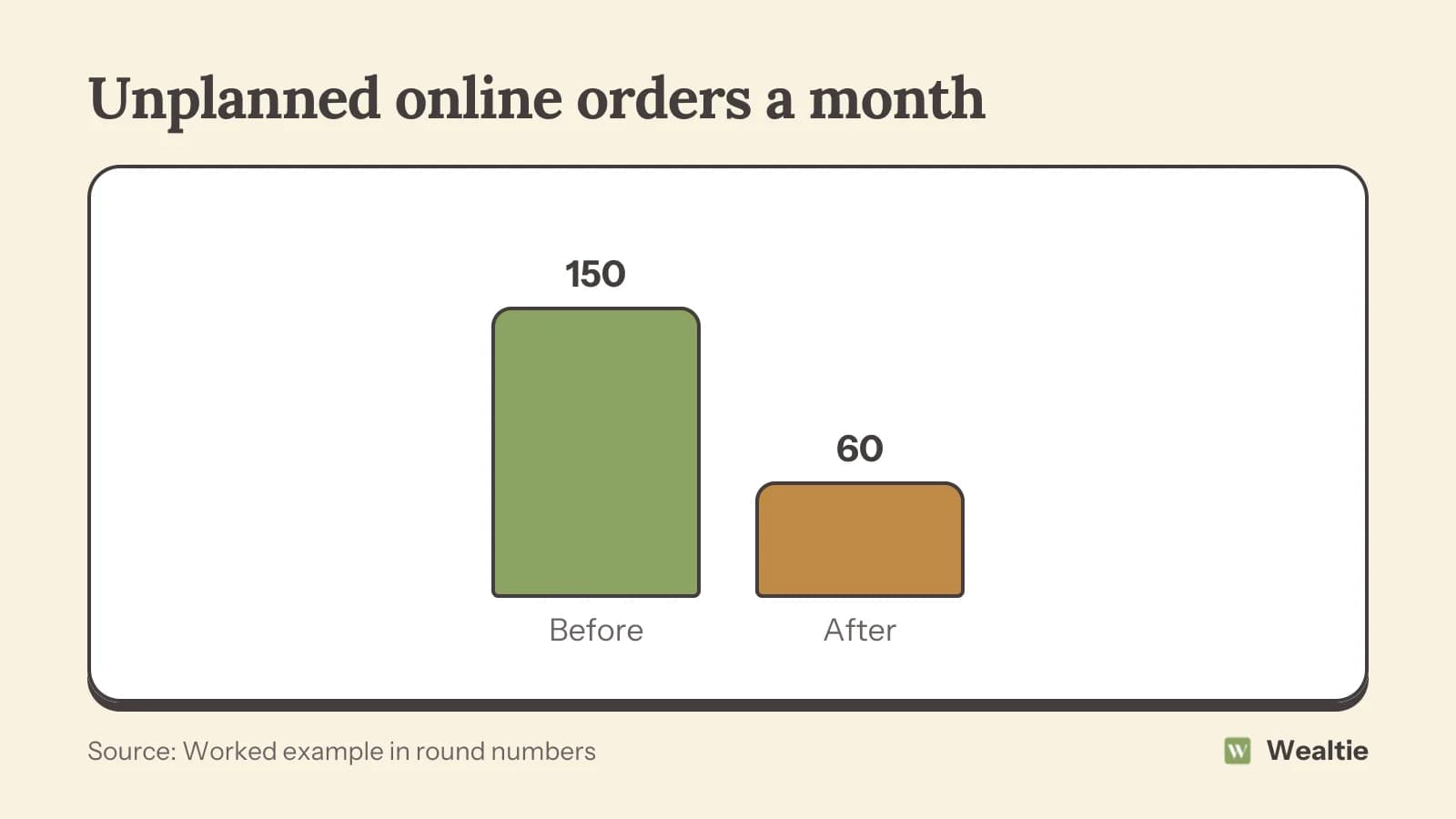
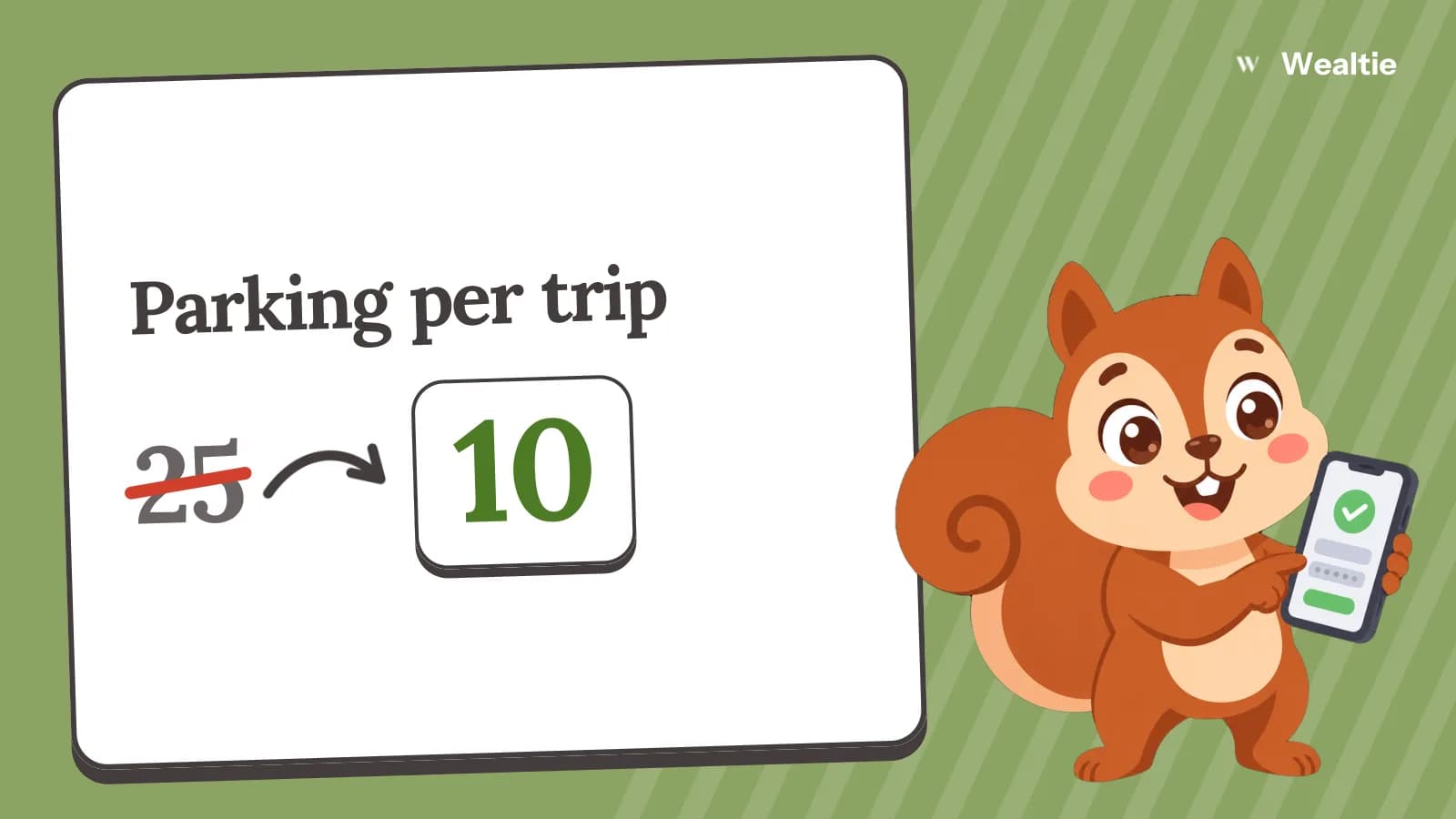
In this example, unplanned orders fall from 150 a month to 60, a saving of 90 a month or about 1,080 a year. The planned purchases stay the same; only the unplanned ones are cut.
To find your own number, look through last month's online orders and mark which ones you'd planned and which ones you bought on a whim. Most people are surprised by the total. A pattern often shows up too: late-night orders, purchases after a stressful day or buys prompted by a sale email.
How do you add friction to buying?
Small changes make a big difference:
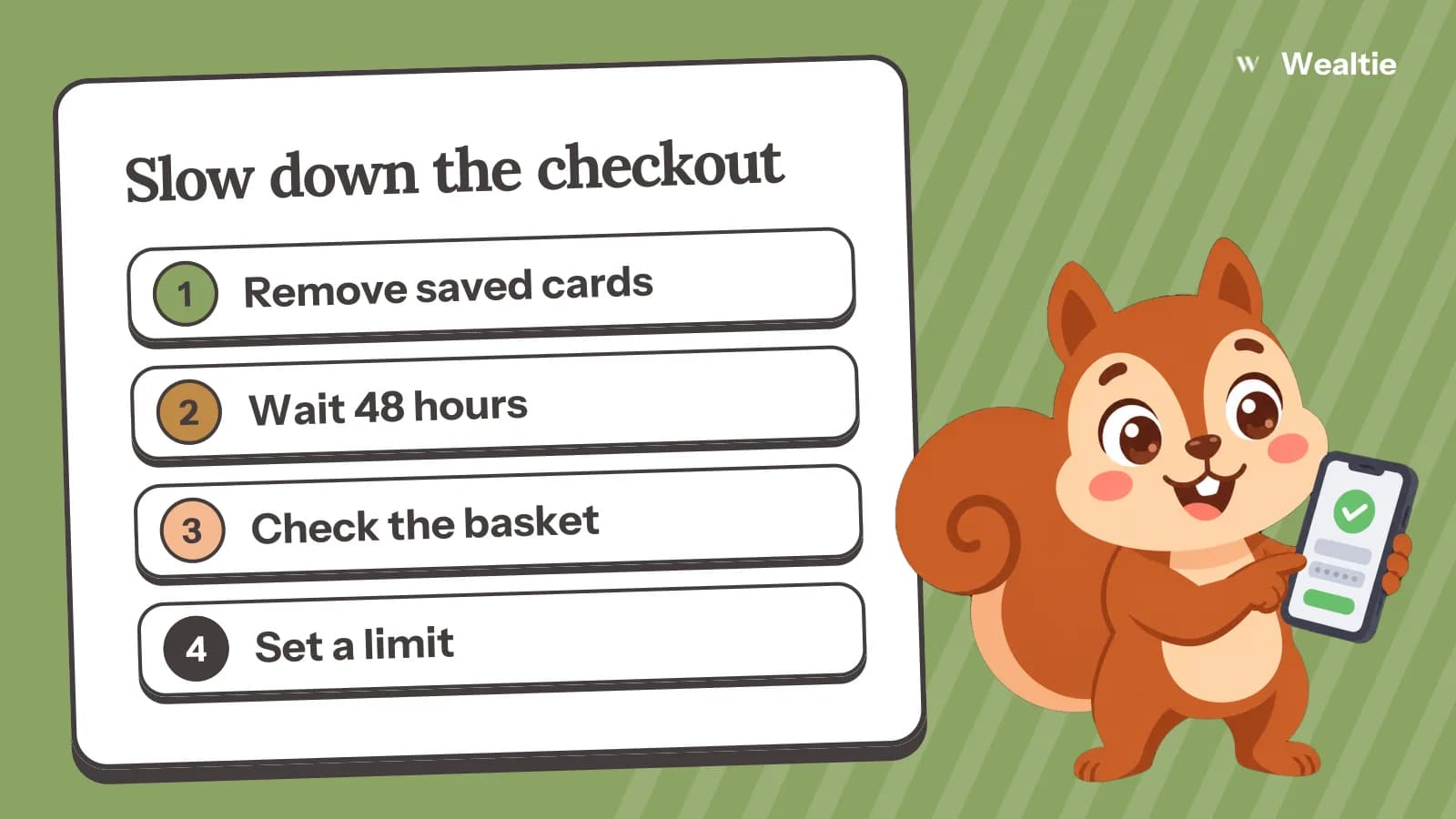
- Remove saved cards. Typing in your card details each time gives you a pause to think.
- Log out of shopping apps, or delete them from your phone, so browsing takes more effort.
- Unsubscribe from marketing emails. Fewer sale alerts mean fewer temptations.
- Turn off notifications from shopping apps.
None of these stop you buying something you need. They just stop the easy, automatic purchases.
Shop with a list
Before you open a shopping site, write down what you came for. Search for that item directly, rather than browsing categories or the home page, where recommendations are designed to catch your eye. When you've found it, check out and close the tab.
Use a waiting rule
Leave items in your basket for a set time before buying, like 48 hours or a week for bigger items. If you still want it after the wait, buy it. Many things lose their appeal within a day or two. How to stop impulse buying covers this and other ways to pause.
How do free delivery thresholds catch you out?
Shops often offer free delivery over a certain amount. If your basket is just under it, it's tempting to add something to reach the threshold. But if the extra item costs more than the delivery fee, you've spent more to save less. Pay the delivery charge, or wait until you need more items, rather than adding things you don't need.
Delivery memberships can also encourage more orders, since delivery feels free once you've paid for it. Check whether you'd order as often without one. Grouping orders into one weekly or monthly shop also cuts down on packaging and trips to the door.
Do easy returns make you spend more?
They can. Free returns make it feel safe to buy several items and send some back. But returns take time and effort, and many items never get sent back, so you end up keeping things you weren't sure about. Buy only what you're confident you'll keep, and if you do need to return something, do it straight away.
What about buy now, pay later at checkout?
Be careful. Splitting a payment can make an item feel cheaper than it is, and several plans at once are easy to lose track of. Missed payments can bring fees. If you can't afford something outright, it's often a sign to wait. If you already have several plans running, list them with their payment dates so you can see the total you owe each month. Is a store card worth it covers similar offers at the till.
How do you plan online spending?
Set a monthly limit for things you buy online, separate from groceries and bills. Keep a wish list of things you'd like, and buy from it when the money's there, rather than when an advert reminds you. Big sales can be useful for planned purchases, but only if the item was on your list before the sale. The Black Friday budget has a plan for shopping big sales.
Check subscriptions you signed up for online
Free trials and small monthly subscriptions are easy to start online and easy to forget. Review them every few months. How to cut subscription costs has a simple checklist.
How do you track online shopping in Wealtie?
Give online shopping its own line in your expense categories, so you can see what it adds up to each month. A monthly limit in the budget tracker, with Budget Health, warns you when you're getting close, which is often enough to make you wait on the next order.
Questions people ask
Remove saved cards, log out of shopping apps, unsubscribe from sale emails and wait at least 48 hours before buying.
Only if you need them. If the extra item costs more than the delivery fee, paying for delivery is cheaper.
In a worked example, cutting unplanned orders from 150 to 60 a month saves about 1,080 a year.
Set a monthly limit separate from groceries and bills, keep a wish list and buy from it when the money's there.
This article is general information, not financial, tax or legal advice. Your situation is your own; check the numbers that apply to you before you act on them.