Budgeting: How much to spend on video games, and how to budget for gaming
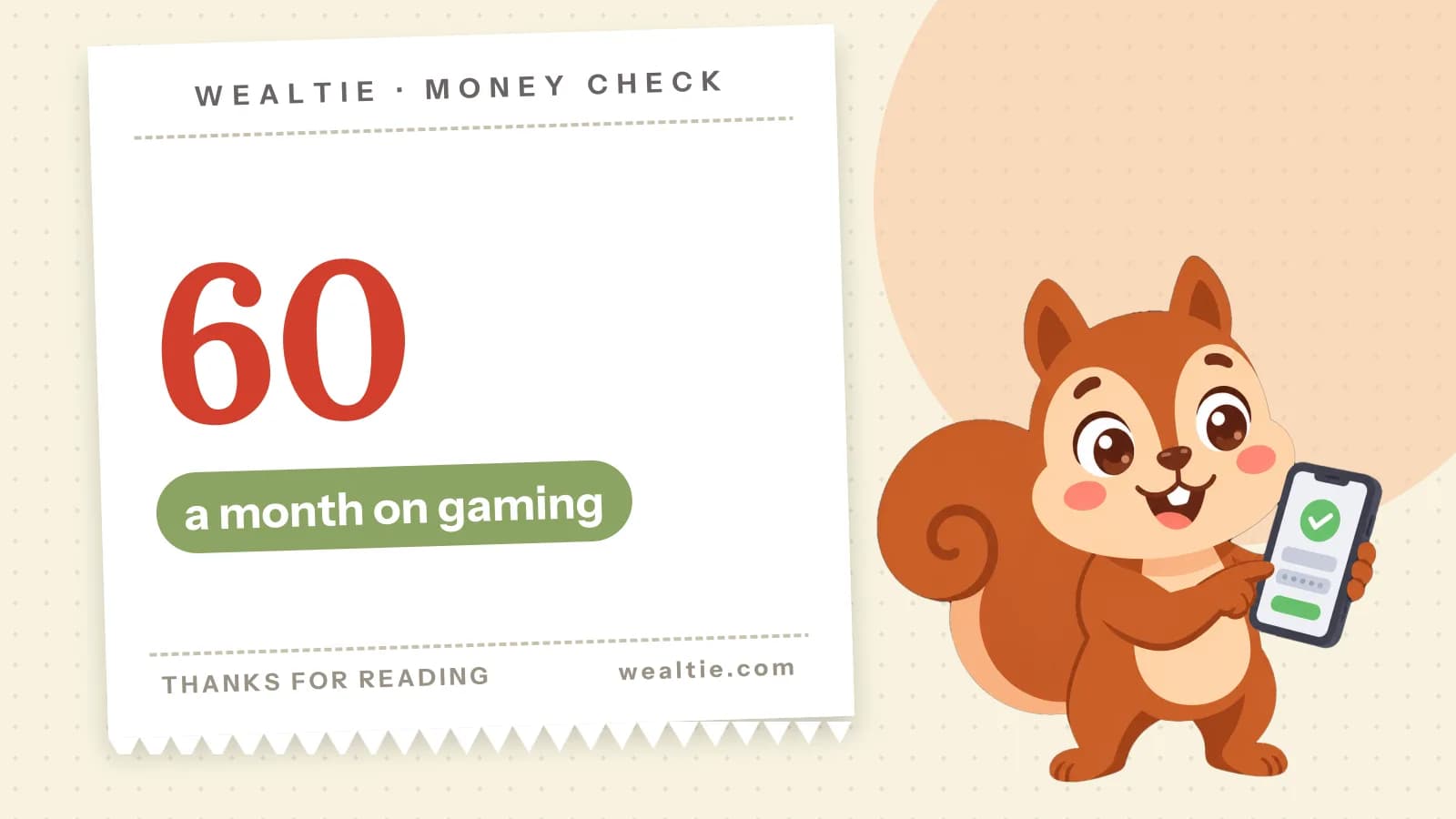
How much to spend on video games is a personal choice, but setting a monthly gaming budget keeps new releases, subscriptions and in-game purchases from adding up unnoticed. In a worked example, a gamer spends about 60 a month, and in-game purchases are the part most likely to creep.
 By Wealtie Team · 3 min read
Key takeaways
- A monthly gaming budget keeps games, subscriptions and in-game purchases under control.
- In a worked example, gaming costs about 60 a month, with in-game purchases the most likely to creep.
- Buying games after launch, using sales and sticking to one subscription cuts costs a lot.
- Plan for hardware upgrades by saving a little each month.
How much to spend on video games
An amount that fits your budget after essentials and savings, decided in advance. Gaming is one of the best-value hobbies for many people, since a good game can give hundreds of hours of entertainment. But costs come from several directions at once: new releases, subscriptions, in-game purchases and hardware. Without a plan, it's easy to spend more than you realise.
What does gaming cost each month?
Here's a worked example in round numbers that work in any currency:
| Cost | Amount |
|---|---|
| New games | 25 |
| Subscriptions | 15 |
| In-game purchases | 20 |
| Total | 60 |
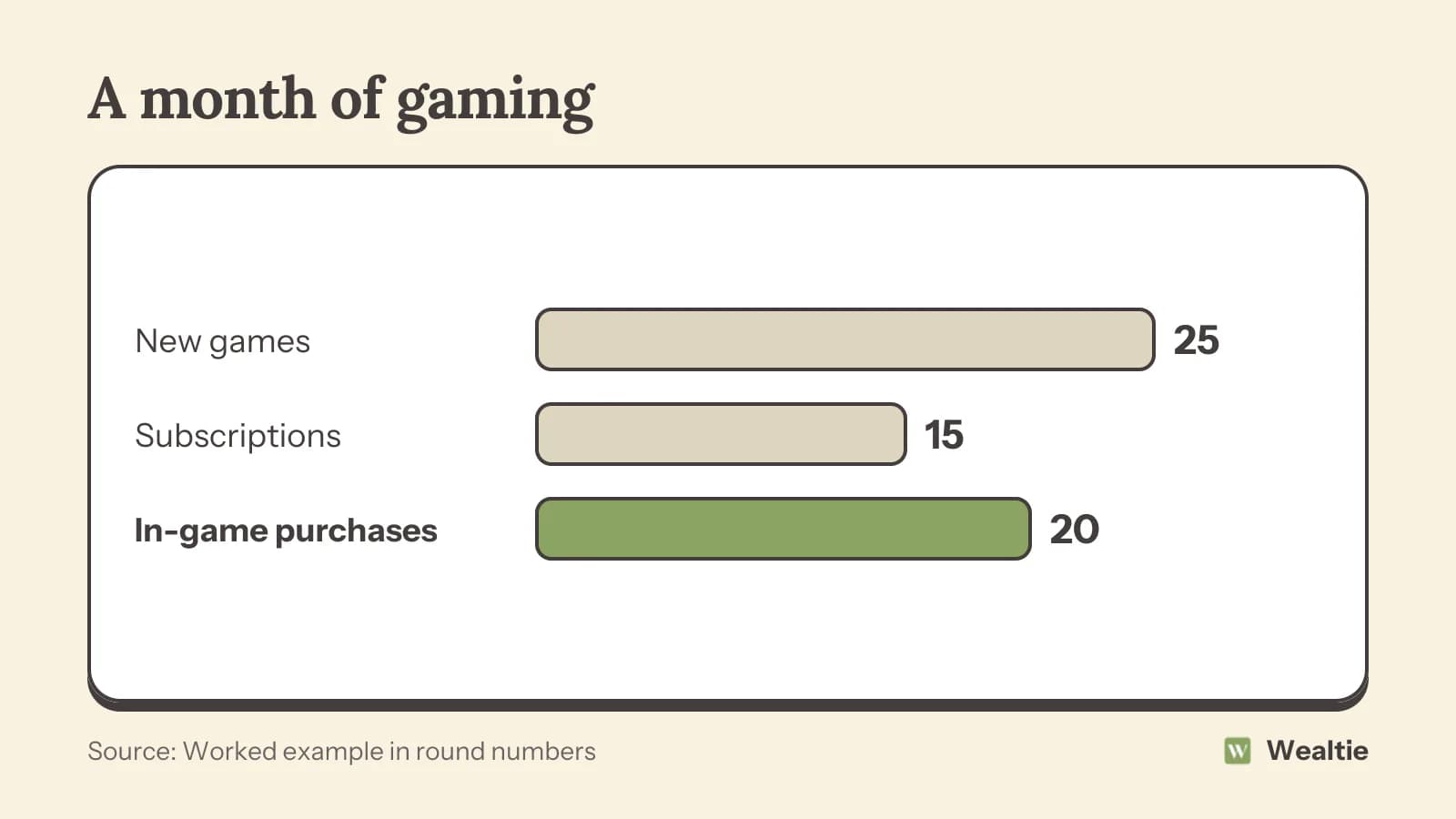
That's about 720 a year in this example, before any new hardware. Your own figures depend on how often you buy games and how many subscriptions you keep. Looking at your last three months of gaming spending gives you a realistic starting figure.
Why do in-game purchases add up?
They're small, frequent and designed to be easy. Extra items, characters, outfits, season passes and in-game currency are bought in a few taps, often with a stored card. Paying with a game's own currency makes the real cost harder to see. Converting the in-game price back into money before you buy shows the true price. Limited-time offers and rewards for logging in daily encourage spending more often.
Each purchase feels minor, but they can easily become the largest part of a gaming budget. Setting a monthly limit just for in-game spending, and checking it before each purchase, keeps it in proportion.
Removing stored cards
Taking your card off your gaming accounts, and using prepaid credit instead, puts a natural limit on spending. When the credit's gone, you wait until next month. It's a simple way to make each purchase a choice.
How do you save on new games?
Wait a little. Game prices often drop within months of release, and many games get updates and fixes in that time too. Unless a release is one you've been waiting for, buying later is cheaper and often a better experience. Other ways to save:
- Watch for seasonal sales, where many games are heavily discounted.
- Buy second-hand physical copies, and sell games you've finished.
- Look for bundles and complete editions released later.
- Play free games, many of which are excellent.
- Keep a wish list, and buy from it during sales.
How to stop impulse buying has ways to pause before a purchase.
Are gaming subscriptions worth it?
Often, if you use them. A subscription with a large library can be much cheaper than buying games one by one, especially if you like trying different titles. But it's easy to end up with several subscriptions running at once. Keep the one you use most, and rotate others month by month when there's something specific you want to play. How to cut subscription costs covers a simple review.
Digital versus physical
Digital games are convenient, but they usually can't be resold. Physical copies can be sold or traded when you're done, which recovers part of the cost. If you finish games quickly and move on, physical copies can make each game cheaper overall.
How do you plan for new hardware?
Save for it ahead. Consoles, gaming computers and accessories are big purchases that come round every few years. Divide the expected cost by the months until you plan to buy, and set that aside. A 450 console saved over 18 months is 25 a month. Selling your old hardware when you upgrade helps too. How to save money on electronics covers buying at the right time.
Children and in-game spending
Use parental controls to limit spending. Most consoles, phones and gaming platforms let you set spending limits, require approval for purchases or block in-game spending entirely. Talking with children about how in-game purchases work, and giving them a set amount to manage, teaches useful money habits.
How do you balance gaming with your budget?
Treat gaming like any other entertainment. Compare it with other things you spend on, like going out, streaming or other hobbies. For many people, gaming offers good value per hour, which can make it worth keeping even when cutting back elsewhere. The key is that the amount is planned and fits. Working out the cost per hour of a game, by dividing what you paid by the hours you played, often shows how good the value is, and helps you spot games you bought but barely played.
How do you track gaming spending in Wealtie?
Give gaming its own line in your expense categories, so games, subscriptions and in-game purchases add up in one place. Subscriptions can be set up as recurring transactions with the bill tracker. A monthly limit in the budget tracker, with Budget Health, warns you when you're close to your amount.
Questions people ask
An amount that fits after essentials and savings. In a worked example, gaming costs about 60 a month.
Set a monthly limit, remove stored cards, use prepaid credit and check the real cost before buying in-game currency.
Buy after launch, wait for sales, buy and sell second-hand, play free games and keep one subscription at a time.
Often, if you use them regularly. Keep the one you use most and rotate others when there's something you want to play.
This article is general information, not financial, tax or legal advice. Your situation is your own; check the numbers that apply to you before you act on them.