Budgeting: How to save money on electronics without buying the cheapest thing
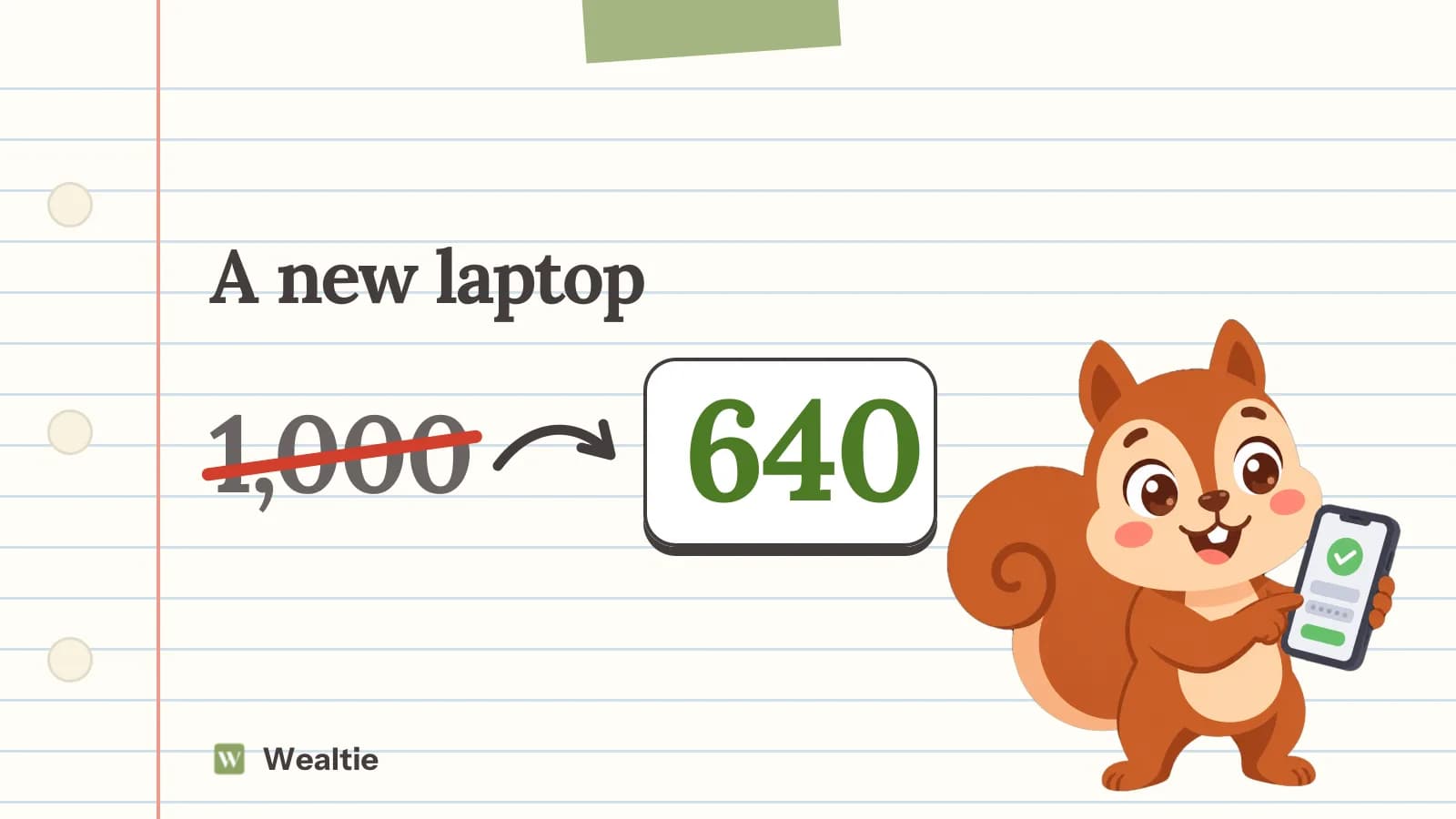
To save money on electronics, buy last year's model or a refurbished one, wait for sales you'd shop in anyway, skip add-ons you don't need, and keep devices running longer. In a worked example, a 1,000 laptop purchase comes down to 640.
 By Wealtie Team · 4 min read
Key takeaways
- Last year's model often costs much less and does nearly everything the new one does.
- In a worked example, buying last year's model, skipping the extended warranty and selling the old laptop cut 1,000 to 640.
- Refurbished devices from reputable sellers, with a warranty, can be a big saving.
- Making a device last a year or two longer often saves more than any discount.
How do you save money on electronics?
Decide what you need, then buy the cheapest version that does it well. Electronics lose value quickly and new models come out every year, which works in your favour as a buyer. The newest model is rarely the best value, and the extras sold at the till often cost more than they're worth.
Where does the saving come from?
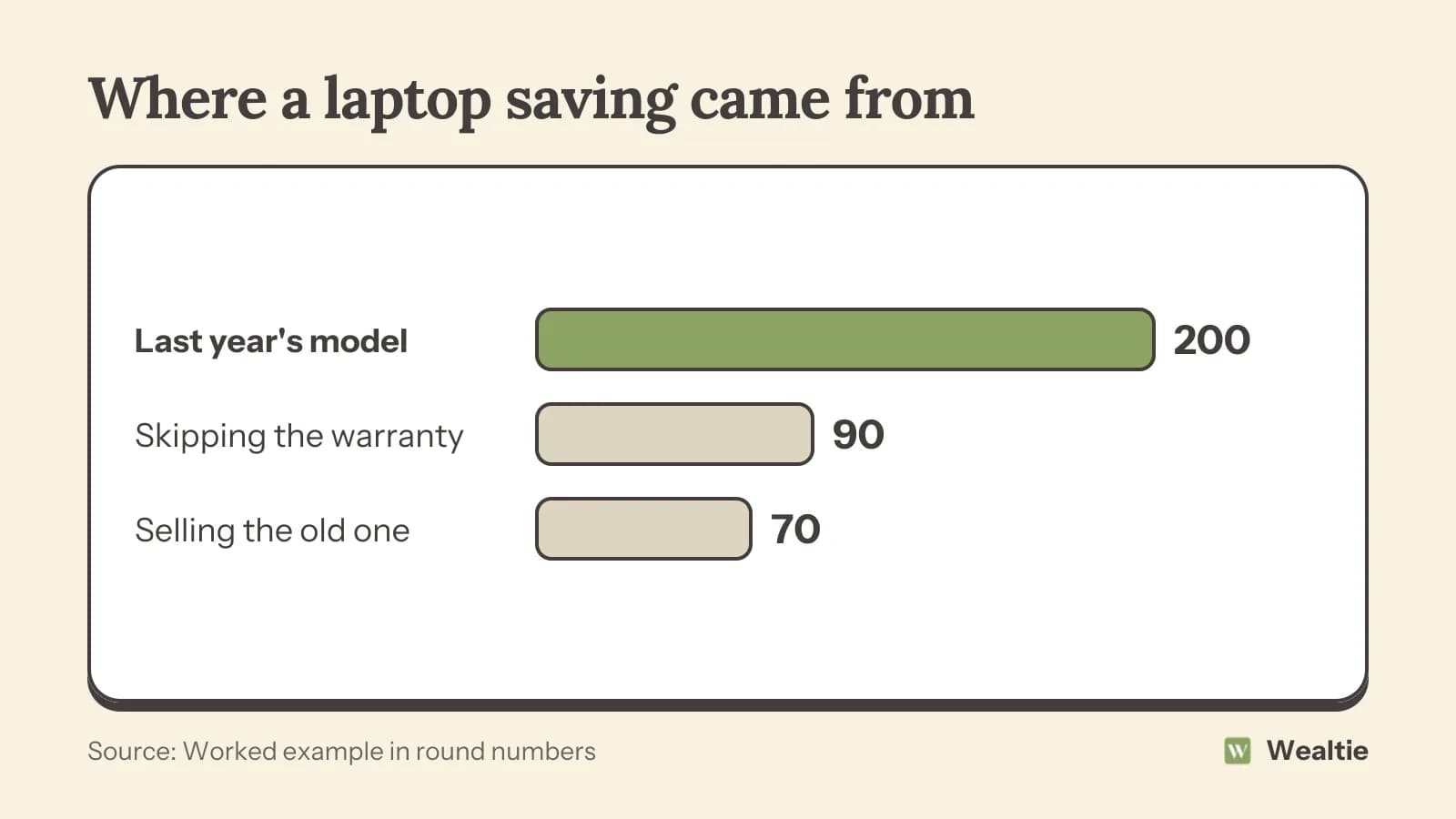
Here's a worked example of buying a laptop, in round numbers that work in any currency:
| Change | Saved |
|---|---|
| Buying last year's model instead of the newest | 200 |
| Skipping the extended warranty | 90 |
| Selling the old laptop | 70 |
| From 1,000 to | 640 |
None of these changes means a worse laptop for most people. Before shopping, write down what you'll use it for, like work documents, photo editing or games, since that decides which specifications matter and which you can ignore. A clear list stops you paying for power you'll never use, and it makes comparing models much quicker. Last year's model is usually only slightly slower, and the difference rarely matters for everyday use.
How do you decide what you need?
Start with the job, not the product. A laptop for documents and video calls needs far less than one for video editing or gaming. A phone mainly used for messages, maps and photos doesn't need the top model. A television's size and picture matter more than smart features you'll never use, since most of those are also available through a cheap streaming stick.
Make a short list of must-haves and nice-to-haves before you look at any shop. Then compare two or three models that meet the must-haves, and only pay more for a nice-to-have if you'll use it every week. This step does more to keep the price down than any discount code, because it stops you being sold a more expensive model in the shop.
Is last year's model good enough?
Usually, yes. Each new generation tends to bring small improvements, while the price of the previous one drops when the new one arrives. For browsing, documents, video calls and streaming, a model from a year or two ago is plenty. Check reviews for the specific model, and focus on what you'll use, like battery life, screen and storage.
Should you buy refurbished?
It can save a lot, especially on phones, laptops and tablets. Refurbished devices have usually been returned, checked and repaired where needed. Buy from a reputable seller or the manufacturer's own refurbished store, and make sure there's a warranty and a returns period. Check the battery condition, since that's often what wears first. Refurbished grades vary between sellers, so read what each grade means, since cosmetic marks on a lower grade don't affect how the device works and can save more.
When should you buy?
When you need it, or during sales you'd shop in anyway. Big sale events can bring real discounts on electronics, but check the price history, since some "deals" are no lower than usual. A price alert on the exact model tells you when it drops. Buying just after a new model launches often gets you the previous one cheaper. The Black Friday budget has a plan for sale season. Decide your maximum price before the sale starts, so a countdown timer doesn't push you into a different, pricier model.
Which extras should you skip?
Most of them. Extended warranties often overlap with the manufacturer's warranty and consumer law, and cost more than likely repairs. Expensive cables and accessories can usually be bought cheaply elsewhere. Software bundles might duplicate free alternatives. Is an extended warranty worth it goes into the numbers.
How do you make devices last longer?
Look after them, and you'll replace them less often. Use a case and screen protector on phones, keep laptops cool and clean, replace a tired battery instead of the whole device, and keep software updated. Clearing storage, uninstalling unused apps and a fresh software install can make an older laptop feel faster. A laptop that lasts four years instead of three costs much less per year: 640 over four years is 160 a year, against about 333 a year for a 1,000 laptop replaced every three.
What about selling or trading in old devices?
Do it soon after you replace them, while they're still worth something. Wipe your data first, and compare a private sale with trade-in offers, since private sales usually pay more. How to sell things you don't use has a quick guide. If a device is too old to sell, many shops and councils run recycling schemes, and some give a small credit.
How do you track electronics spending in Wealtie?
Give electronics their own line in your expense categories, so you can see what devices cost over a year. If you're saving for a big purchase, add a savings account for it and move money in as a transfer each month, so your net worth tracker shows it growing.
Questions people ask
Buy last year's model or a refurbished one, wait for sales you'd shop in anyway, skip extended warranties and expensive extras, and make devices last longer.
Often, if you buy from a reputable seller with a warranty and a returns period. Check the battery condition.
When you need one, or during sales you'd use anyway. Buying just after a new model launches can get you the previous one cheaper.
Usually not, since it often overlaps with the manufacturer's warranty and consumer law and costs more than likely repairs.
This article is general information, not financial, tax or legal advice. Your situation is your own; check the numbers that apply to you before you act on them.