Using Wealtie: Budget Health: what the mid-month warning in Wealtie means
Budget Health, explained: it's Wealtie's mid-month check on your spending pace. It looks at how fast you're spending against your monthly budget and warns you if, at that pace, you'll go over before the month ends. It's on the Free plan, and the point is timing: a warning on the 14th leaves two weeks to adjust.
 By Wealtie Team · 3 min read
Key takeaways
- Budget Health compares how fast you're spending with your monthly budget and warns you mid-month if your pace will take you over.
- It's included on Wealtie's Free plan, alongside a monthly budget and income goal.
- The value is timing: a warning with two weeks left is a choice; a surprise on the 31st is a fact.
- A warning doesn't mean you've overspent; it means the current pace leads there, and the pace can change.
- The fix is usually in one or two categories that change week to week, like eating out or shopping.
Budget Health explained: what is it?
Budget Health is Wealtie's check on your spending pace. It looks at how fast you're spending compared with your monthly budget and warns you mid-month if, at that pace, you'll go over before the month ends.
It's included on the Free plan, alongside a monthly budget and a monthly income goal. You don't need to set anything up beyond the budget itself: once there's a budget and some spending logged, there's a pace to check.
What does spending pace mean?
How quickly you're using the month's budget compared with how much of the month has gone.
Here's a worked example in round numbers, the same in any currency. The monthly budget is 3,000. By the 14th, 1,700 has been spent. Fourteen days is a little under half of a 30-day month, but 1,700 is well over half of the budget. At that rate, the month ends at around 3,640: 640 over.
That's the kind of situation Budget Health is there for. Nothing has gone wrong yet; 1,300 is still left. But if the second half of the month looks like the first, it will.
Why does the warning come mid-month?
Because that's when it's still useful. A warning with two weeks left is a choice about what to do next. A surprise on the 31st is just a number.
Most overspending happens quietly in the second half of a month, after the budget is mostly gone and before anyone looks. A mid-month check splits the month in two, and the second half gets a plan instead of a guess. It's the same idea as the budget forecast on the budgets page: look ahead, not back.
Does a warning mean you've overspent?
No. It means your current pace leads there. Pace can change, and the forecast changes with it.
Early warnings can also come from timing. If rent, insurance or a yearly subscription leaves at the start of the month, the first week looks expensive even though the rest of the month will be quieter. Read an early warning together with what's still to come. A recurring transaction for each fixed bill helps here, because the big costs are logged on their due date and nothing is a surprise.
What should you do when Budget Health warns you?
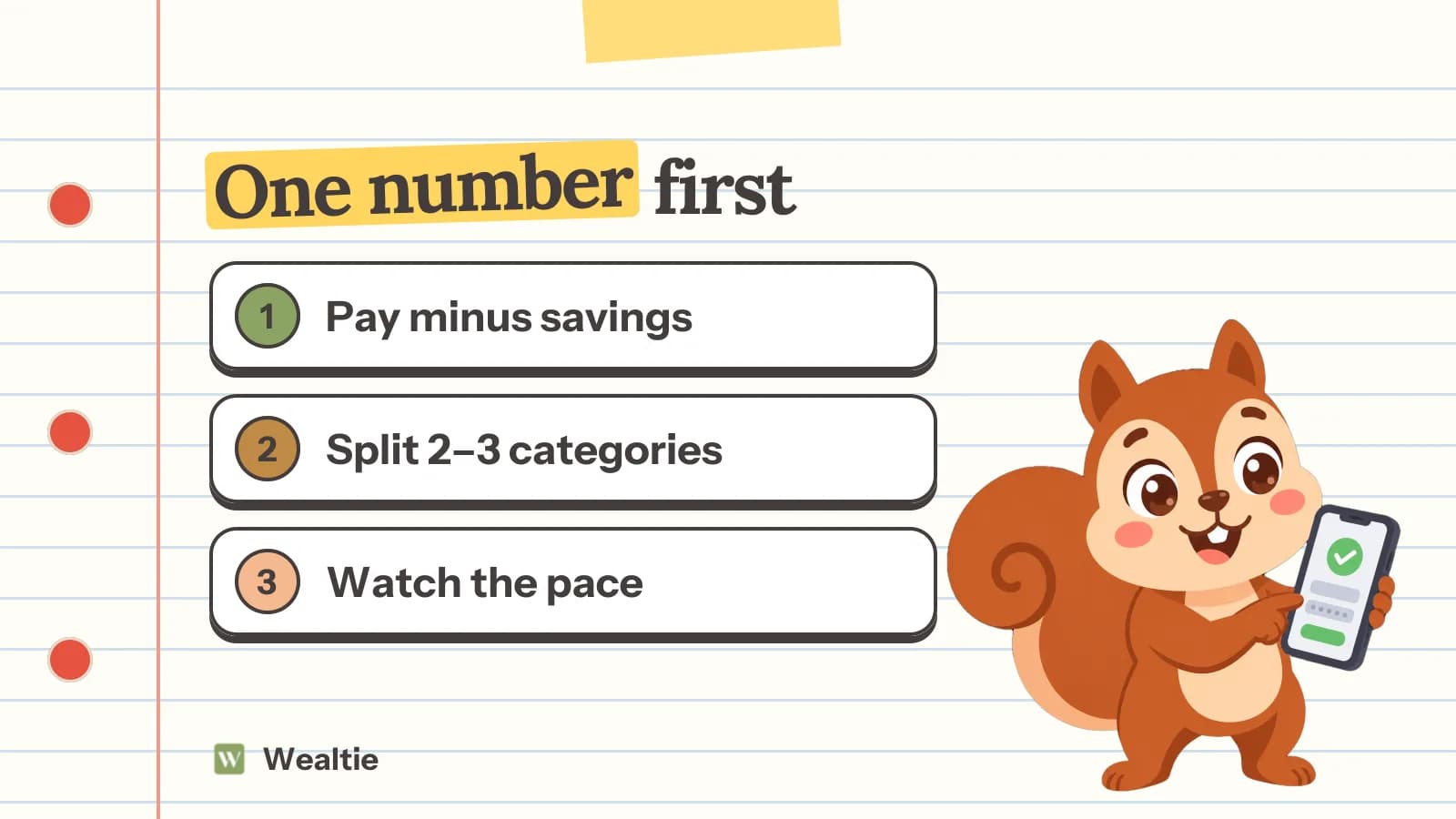
Look at the categories that change week to week, decide where the rest of the month will be lower, and check again in a few days.
- Find the categories running fastest. Usually eating out, shopping or entertainment, not rent or bills.
- Set a number for the rest of the month in those categories. In the example, cutting 640 over 16 days is about 40 a day less.
- Check again in three or four days. If the pace has come down, the warning eases. If not, cut a little more, or accept a small overspend and adjust next month's budget.
If the same category triggers a warning month after month, the budget number is wrong, not you. How to stop overspending goes through the categories that usually leak.
What if you don't use Wealtie?
You can do the same check by hand. On any day, divide what you've spent so far by your monthly budget, and compare it with the share of the month that's gone. If you've used 57% of the budget by day 14 of 30, you're ahead of pace.
The free payday forecast calculator on the Wealtie website works the same way for the stretch until your next payday: give it what you've spent and when you're next paid, and it shows your spending pace, a projected total and the daily amount left. It needs no sign-up.
How do you get the most out of Budget Health?
Log spending as it happens, including cash, and keep the budget realistic.
Budget Health can only see what's logged. Wealtie never connects to your bank, so a coffee you didn't log, or cash at a market, isn't in the pace. Logging takes a few taps, and a home screen widget makes it faster. A budget set too low will warn you every month; one set from your real last three months will warn you only when something has changed.
If you're setting up a budget for the first time, how to set up a budget in Wealtie walks through picking the number and splitting it by category. Every month you finish inside the budget also counts towards your budget streak.
Questions people ask
A mid-month check on your spending pace. It compares how fast you're spending with your monthly budget and warns you if, at that pace, you'll go over before the month ends. It's on the Free plan.
No. It means your current pace leads to overspending by the end of the month. You still have the rest of the month to slow down, and the forecast changes as you do.
Usually because a big payment, like rent or a yearly bill, landed at the start of the month. Spending isn't even across the month, so read an early warning together with what's still to come.
Look at the categories that change week to week, like eating out, shopping and entertainment, and decide where the rest of the month's spending will be lower. Then check again in a few days.
Yes. Wealtie's Free plan includes a monthly budget and income goal and the Budget Health score. Pro adds budgets for other periods, from daily to yearly.
This article is general information, not financial, tax or legal advice. Your situation is your own; check the numbers that apply to you before you act on them.