Budgeting: How to set up a home office on a budget
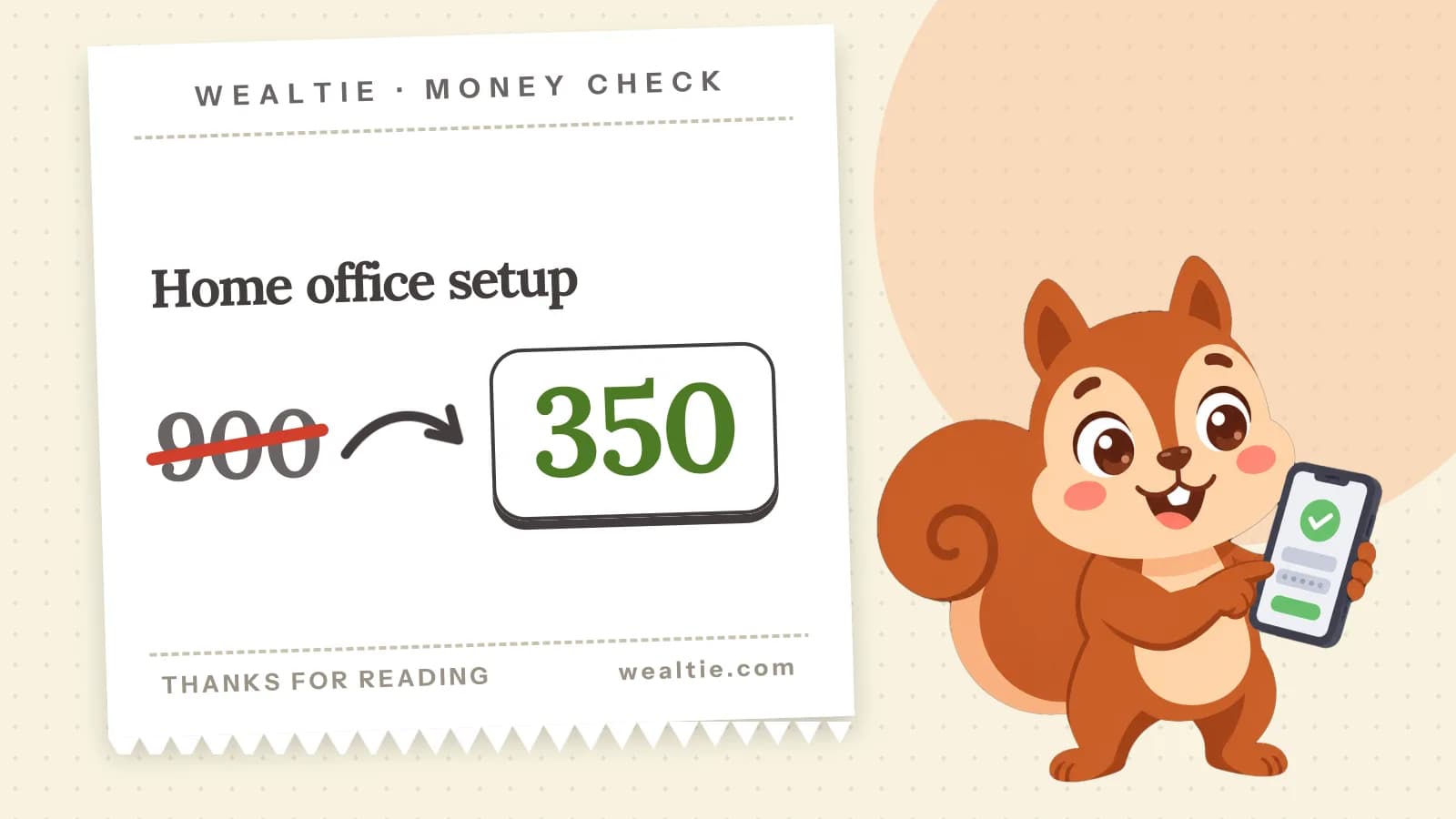
Here's a home office budget that works: spend on what you use all day, like a chair and a screen, and save on the rest by buying second-hand and using what you have. In a worked example, a setup costs 350 instead of 900.
 By Wealtie Team · 3 min read
Key takeaways
- Spend on what you use all day, like a chair and a screen, and save on the rest.
- In a worked example, a home office costs 350 instead of 900 by buying second-hand and using what you have.
- Ask your employer what they'll provide or pay for before buying anything.
- Working from home also raises some running costs, like heating and electricity, so count those.
How do you set up a home office on a budget?
Spend where it matters and save everywhere else. If you work from home, you'll use your chair, desk and screen for hours every day, so those are worth getting right. Many other items can be second-hand, borrowed, or things you already own.
What does a home office cost?
Here's a worked example in round numbers that work in any currency:
| Item | All new | Budget |
|---|---|---|
| Desk | 250 | 50, second-hand |
| Chair | 350 | 150, second-hand office chair |
| Monitor | 200 | 100, refurbished |
| Keyboard, mouse, lamp | 100 | 50 |
| Total | 900 | 350 |
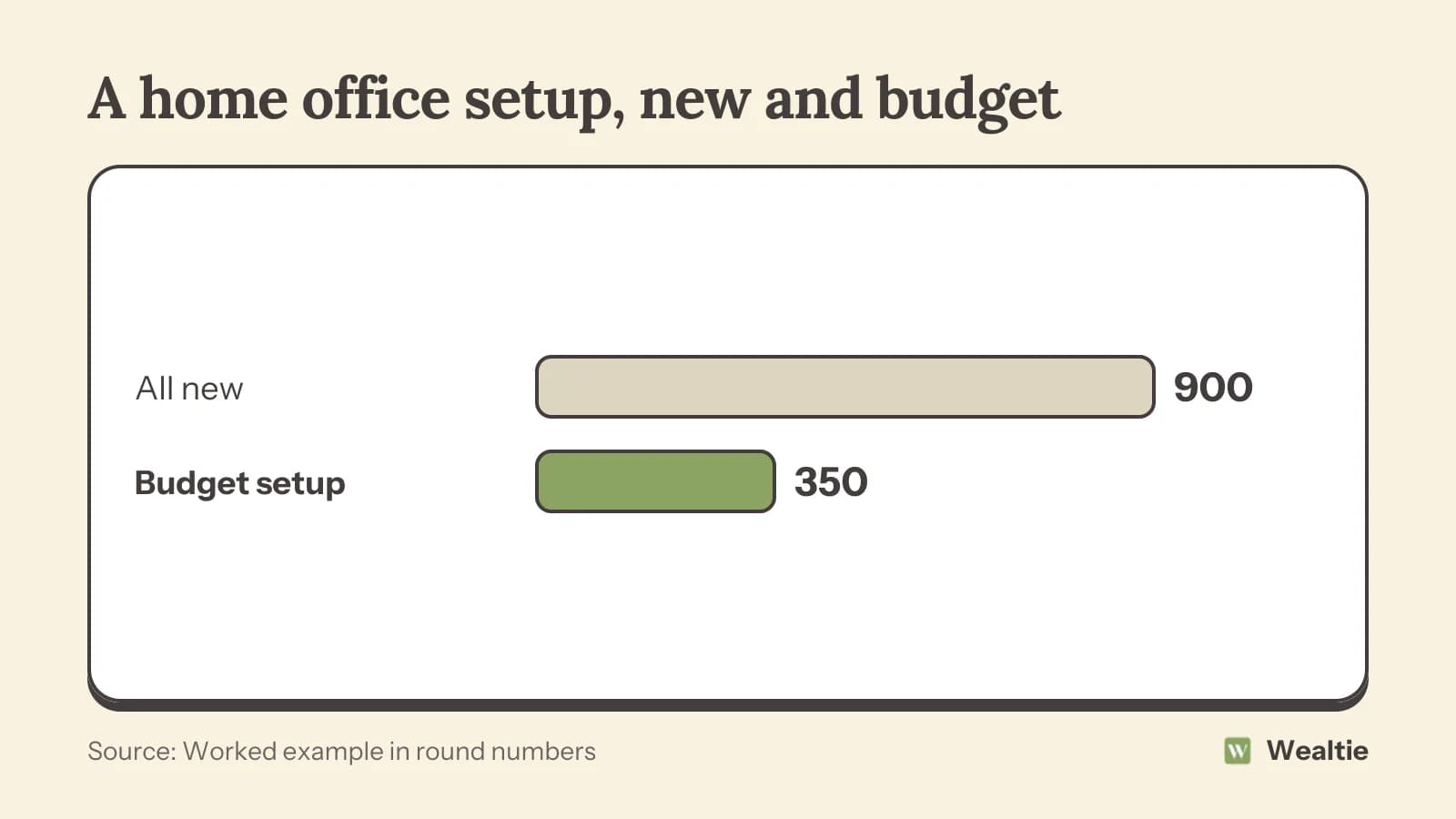
That's 550 saved, and the budget setup still covers everything you need. Measure the space first, since a desk that doesn't fit is a waste at any price, and check the room has a socket where you'll sit.
What should you spend on?
The chair, mostly. You'll sit in it all day, so comfort and adjustability matter. Second-hand office chairs from businesses that are clearing out are often good quality and much cheaper than new. Try it before buying if you can, and check it adjusts in height and has support for your lower back.
A screen at the right height helps too, whether that's a second monitor or a laptop on a stand with a separate keyboard. A refurbished monitor is usually far cheaper than new and works just as well. A stack of books can raise a laptop until you buy a stand.
Where can you save?
- Desk: any sturdy table at the right height works, and second-hand desks are easy to find
- Lighting: use natural light where you can, and a simple lamp for the rest
- Storage: boxes or shelves you already have
- Accessories: basic keyboards and mice cost little and work fine
- Decor: a plant or two and things you already own
Buying second-hand covers where to look. Offices clearing furniture often sell desks and chairs in bulk at low prices, and local selling groups regularly list them.
What will your employer cover?
Ask before you buy. Some employers provide equipment, like a laptop, screen or chair, or give a budget for home working. Some offer an allowance for running costs. If they provide equipment, it's usually theirs, so check what happens if you leave.
If you're self-employed, some home office costs may be allowable business expenses. The self-employed expenses list covers what can usually be claimed.
Which tech do you need?
Probably less than you think. A reliable laptop, a decent internet connection and a headset for calls cover most jobs. A second screen helps if you work with several documents at once, and a webcam is only worth buying if your laptop's is poor. Check what your employer provides before buying, since many supply laptops and headsets. If you need faster internet for work, see whether a cheaper plan is enough first, since many households already have plenty.
What running costs come with working from home?
Heating, electricity and sometimes faster internet. Being home all day can raise these noticeably, especially in winter. Count them against what you save on commuting and lunches. How to cut commuting costs shows how the two compare.
Some countries offer tax relief for the extra costs of working from home, so check whether you qualify. Heating only the room you work in, and a warm layer, can keep winter bills down.
How do you keep the setup affordable over time?
Buy in stages. Start with the chair and a way to raise your screen, then add other items as you find what you need. Avoid buying a full set of new furniture before you know how you'll use the space. A month of working at the kitchen table often shows exactly what you need and what you don't.
What if you share the space?
If you work in a bedroom or living room, choose furniture that fits the room's other use, like a desk that folds away or a chair that doubles as a dining chair. Agree with anyone you live with when the space is for work. Noise-cancelling headphones can be worth more than a new desk if the home is busy. A budget tracker limit for the setup keeps it from creeping.
How do you track home office costs in Wealtie?
Give home office costs their own line in your expense categories, separate from other household spending. If you're self-employed, that makes it easier to find the costs at tax time, and an export of your records gives your accountant the list.
Questions people ask
About 350 on a budget in a worked example, against 900 all new.
A comfortable, adjustable chair and a screen at the right height, since you'll use them all day.
Some do, either with equipment or an allowance. Ask before you buy anything.
It can raise heating, electricity and internet costs, but often saves on commuting and lunches.
This article is general information, not financial, tax or legal advice. Your situation is your own; check the numbers that apply to you before you act on them.