Budgeting: Year-end money review: 30 minutes to check the year and set the next
A year-end money review takes about 30 minutes: add up the year's income and spending, find the three biggest surprises, check savings and debt against where you started, and set next year's budget and goals from the real numbers. Do it in the last week of December, before January's bills arrive.
 By Wealtie Team · 3 min read
Key takeaways
- A year-end money review compares what came in, what went out and what's left with where you started the year.
- Monthly averages from the whole year are more honest than any single month for setting next year's budget.
- The three biggest surprises of the year, the costs you didn't plan for, usually belong in a sinking fund next year.
- Check net worth, not just savings: savings up and debt down are both progress.
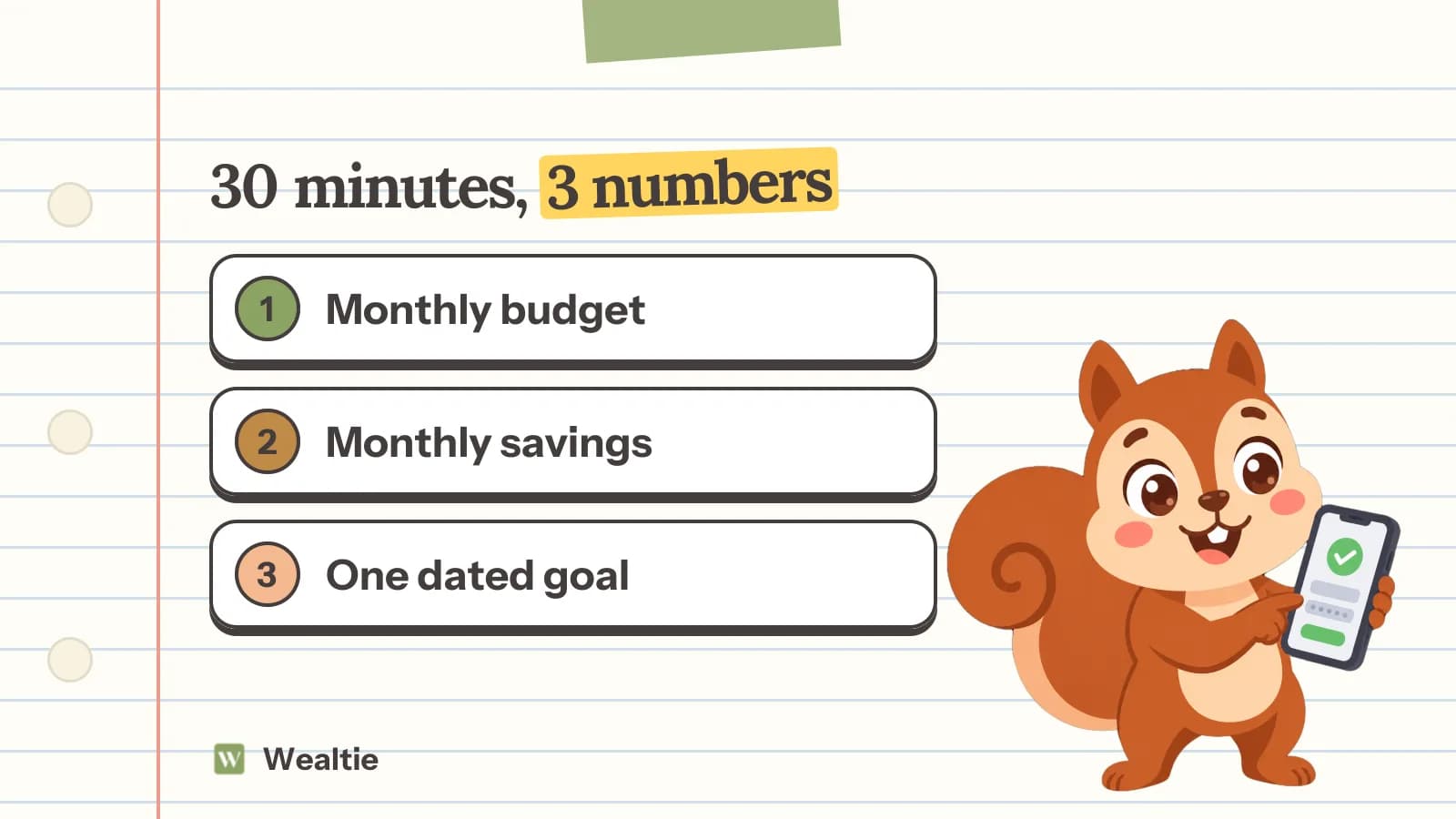
- Finish with three numbers for next year: a monthly budget, a savings amount and one goal.
What is a year-end money review?
A half-hour look back at the year's money: what came in, what went out, what's left compared with January, and what that means for next year's numbers.
It's the one check that sees the whole year at once. Monthly budgets catch the overspend in March. Only a yearly view catches that the car cost 900 in repairs, the vet cost 450, and three weddings came to 600, none of which was in any budget. Do it in the last week of December or the first week of January, when the year's figures are complete.
Step 1: what came in and what went out?
Total the year's take-home income and total spending. Then divide each by 12.
Here's a worked example in round numbers, the same in any currency. Income for the year was 38,400, or 3,200 a month. Spending was 33,600, or 2,800 a month. The difference, 4,800, should have gone somewhere: savings, debt, or a bigger balance in the current account. If you can't find it, that's the first thing to look at.
Step 2: where did the money go?
Total each spending category for the year and work out its monthly average.
| Category | Year total | Monthly average | Budget | Difference |
|---|---|---|---|---|
| Housing and bills | 16,800 | 1,400 | 1,400 | 0 |
| Groceries | 5,760 | 480 | 450 | −30 |
| Transport | 2,640 | 220 | 200 | −20 |
| Eating out | 2,520 | 210 | 150 | −60 |
| Personal and other | 5,880 | 490 | 450 | −40 |
| Total | 33,600 | 2,800 | 2,650 | −150 |
The yearly average is more honest than any single month. One bad December doesn't skew it, and one careful February doesn't flatter it. The categories that ran over every quarter are next year's realistic numbers.
Step 3: what surprised you?
List the three biggest costs you didn't plan for. In the example: a car repair (900), a vet bill (450) and wedding gifts and travel (600).
Most "surprises" happen every year in some form. Add them up and divide by 12: 1,950 ÷ 12 is about 165 a month. Put that amount into a sinking fund next year, and next December's surprises are already paid for.
Step 4: are you better off than in January?
Compare savings and debt with where you started. Net worth, the total of what you have minus what you owe, is the one number that captures both.
- Savings up, debt flat: progress.
- Savings flat, debt down: also progress.
- Both worse: find out which month it happened in. It's usually one or two events, not the whole year.
If your emergency fund isn't at one month of income yet, that's next year's first goal. How much should be in an emergency fund explains why it comes first.
Step 5: what should you cancel or change?
Go through every recurring payment: subscriptions, memberships, insurance, phone and internet. Cancel what you didn't use, and get a renewal quote for the rest.
A year of statements makes forgotten subscriptions obvious. Insurance and phone contracts often cost less if you ask, and the end of the year is when many of them renew.
Step 6: what are next year's numbers?
Leave the review with three numbers: a monthly budget, a monthly savings amount, and one goal with a date.
- Monthly budget: this year's real averages, adjusted for anything you know is changing, like a rent rise.
- Savings: a fixed amount moved on payday, plus the sinking fund from step 3.
- One goal: specific and dated. "One month's pay saved by June." "Card B paid off by October."
Fewer numbers get kept. A page of resolutions doesn't.
How do you do a year-end review as a couple?
Do steps 1 to 4 for the shared money together, and let each person do their own for personal money.
Book an hour, not 30 minutes, and keep it to the numbers. Start with what went well: the debt that's gone, the savings that grew. Then the surprises, without blame; most of them were things neither of you planned for. Finish by agreeing the shared budget and one shared goal for next year, and check whether the way you split costs still feels fair. If incomes changed during the year, it may need adjusting. How to split bills as a couple compares the options.
How do you see a year of spending in one place?
You need every transaction for the year, categorised, in one place: an app, a spreadsheet or a stack of statements.
Wealtie's Free plan includes a monthly spending overview and a budget by category with Budget Health, and data export gives you every transaction as CSV files if you'd like to do the yearly totals in a spreadsheet. On Pro, spending analytics work over any period, so a full-year view and month-against-month comparisons are one screen.
Questions people ask
The year's total income and spending, spending by category, the biggest unplanned costs, savings and debt balances compared with January, any subscriptions to cancel, and next year's budget and goals.
In the last week of December or the first week of January, when the year's numbers are complete and before next year's spending starts. Block 30 minutes, or an hour if you share money with a partner.
Total each category for the year and divide by 12 for a monthly average. Compare those averages with your budget, and look for the months that spiked and why.
Start from this year's real monthly averages, not the budget you had. Add known changes like a rent rise, set aside a monthly amount for the year's irregular costs, and cut one or two categories by a realistic amount.
One or two, with a number and a date: an emergency fund of one month's pay by June, a card paid off by October. Fewer, specific goals get done; a long list of vague ones doesn't.
This article is general information, not financial, tax or legal advice. Your situation is your own; check the numbers that apply to you before you act on them.