Budgeting: How to make a budget spreadsheet in Google Sheets or Excel
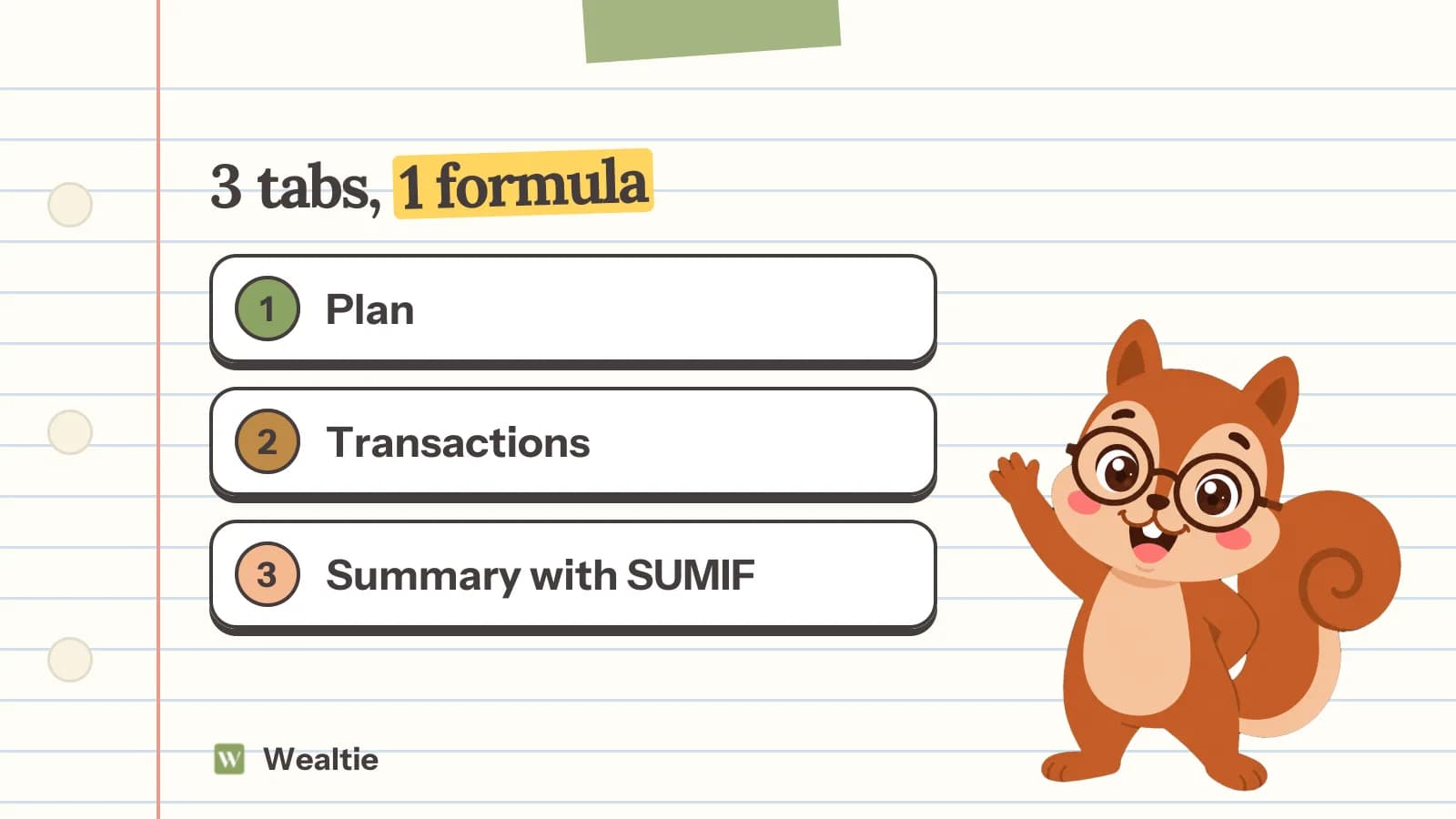
To make a budget spreadsheet, set up three tabs: a plan with your monthly budget per category, a transactions log with one row per purchase, and a summary that compares the two with a SUMIF formula. It works the same in Google Sheets or Excel, and the formulas below are all you need.
 By Wealtie Team · 3 min read
Key takeaways
- A budget spreadsheet needs three tabs: the plan, a transactions log and a summary that compares them.
- The transactions log needs only four columns: date, amount, category and a note.
- One formula does most of the work: SUMIF adds up every transaction in a category so the summary fills itself in.
- Use a drop-down list for categories so every row is spelled the same way and the totals add up.
- A spreadsheet's weak point is logging on the go; most people who quit one stop because the receipts pile up, not because the formulas break.
How do you make a budget spreadsheet?
Set up three tabs: Plan, Transactions and Summary. The plan holds what you mean to spend, the transactions tab holds what you did spend, and the summary compares them. It works the same in Google Sheets and Excel.
Plenty of templates exist, and they're fine. Building your own takes about 20 minutes, and you'll understand every cell. That's the part that matters when a month doesn't fit and something needs changing: you know where to look, and you know what the change will break.
Tab 1: what goes in the budget plan?
Your take-home pay at the top, then one row per category with its monthly amount.
Here's a worked example in round numbers, the same in any currency:
| A | B | |
|---|---|---|
| 1 | Category | Monthly budget |
| 2 | Housing | 1,100 |
| 3 | Utilities | 180 |
| 4 | Groceries | 450 |
| 5 | Transport | 200 |
| 6 | Eating out | 150 |
| 7 | Insurance | 120 |
| 8 | Debt payments | 150 |
| 9 | Savings | 300 |
| 10 | Personal spending | 200 |
| 11 | Irregular costs | 150 |
| 12 | Total | =SUM(B2:B11) |
Put take-home pay in a cell nearby, say D2 = 3,000, and a check cell, =D2-B12 in D3. If D3 isn't zero, not every unit of pay has a job yet. If you're not sure what amounts to start with, the budget calculator suggests a split, and how to make a budget explains how to set each line.
Keep categories to ten or fewer at first. You can split groceries into five sub-categories later, once you know you'll keep the spreadsheet going.
Tab 2: how do you set up the transactions log?
Four columns, one row per purchase: date, amount, category, note.
| A | B | C | D | |
|---|---|---|---|---|
| 1 | Date | Amount | Category | Note |
| 2 | 03/11 | 62.40 | Groceries | Weekly shop |
| 3 | 04/11 | 4.20 | Eating out | Coffee |
| 4 | 05/11 | 45.00 | Transport | Fuel |
Make the category column a drop-down list that pulls from the Plan tab's categories. In both Google Sheets and Excel it's under Data validation: choose a list from a range and point it at Plan!A2:A11. That one step prevents most broken totals, because "Groceries", "groceries" and "Grocery" all count as different categories to a formula.
Start a new transactions tab each month, or keep one long log and add a month column. One tab per month is easier to read; one long log is easier for yearly totals.
Tab 3: which formula makes the summary work?
SUMIF. It adds up every transaction in a category, so the summary fills itself in as you log.
| A | B | C | D | |
|---|---|---|---|---|
| 1 | Category | Budget | Spent | Left |
| 2 | Groceries | =Plan!B4 | =SUMIF(Transactions!C:C, A2, Transactions!B:B) | =B2-C2 |
Read the SUMIF as: look down column C of the transactions tab, find every row that says what's in A2, and add up the amounts in column B for those rows. Copy the row down for each category.
Two more additions make it useful mid-month:
- Conditional formatting on the Left column: red when it goes below zero, so overspending jumps out.
- A pace check: in E2,
=C2/B2shows the share of the budget spent, and=DAY(TODAY())/DAY(EOMONTH(TODAY(),0))shows the share of the month gone. If you've spent 70% of groceries and only 45% of the month has passed, you'll know on the 14th, not the 31st.
How do you keep a budget spreadsheet up to date?
Log daily or every couple of days, from receipts and your banking app. Most spreadsheets that get abandoned don't fail because of the formulas. They fail because logging falls a week behind, then a month, and catching up feels worse than starting again.
A few habits help:
- Same time each day, two minutes in the evening.
- Log cash immediately, or photograph the receipt. Cash is the spending a bank statement won't remind you about.
- Do a 15-minute review each week against the summary tab.
- Copy last month's Plan tab at the start of each month and adjust it, rather than starting from scratch.
Should you use a spreadsheet or an app?
A spreadsheet if you enjoy building it and you'll sit down to update it. An app if most of your spending happens on the go and logging is where you fall behind.
| Spreadsheet | Budget app | |
|---|---|---|
| Cost | Free | Free plans exist |
| Logging on the go | Fiddly on a phone | A few taps |
| Customisation | Anything you can build | What the app offers |
| Mid-month warning | If you build one | Usually built in |
| Sharing with a partner | Share the file | Shared accounts, depending on the app |
Wealtie is a budget app that never connects to your bank, so it works the same way a spreadsheet does, by logging, but from your phone in a few taps, cash included. It has a monthly budget by category and a mid-month warning called Budget Health on the Free plan. If you like your spreadsheet for analysis, the Free plan also exports all your data as a ZIP of CSV files, so you can log in the app and keep the formulas.
Questions people ask
Create three tabs: Plan, with each category and its monthly budget; Transactions, with date, amount, category and note; and Summary, which uses SUMIF to total each category and subtract it from the plan.
SUMIF. The formula =SUMIF(Transactions!C:C, A2, Transactions!B:B) adds up every amount in column B of the Transactions tab whose category in column C matches the category in A2.
Either works, and the formulas are the same. Google Sheets is free and easy to open on a phone and share with a partner; Excel has more features offline. Pick the one you'll open every week.
Start with ten or fewer: housing, utilities, groceries, transport, eating out, insurance, debt payments, savings, personal spending and irregular costs. Add more only when one category hides too much.
Usually because logging falls behind. Purchases happen on the go, the spreadsheet is on a laptop, and a week of receipts becomes a month. Logging daily, or on a phone, keeps it current.
This article is general information, not financial, tax or legal advice. Your situation is your own; check the numbers that apply to you before you act on them.